Anthropic is the developer of Claude, a family of large language models, and provides the Claude Platform for managing organizations, workspaces, members, invites, API keys, and usage/cost reporting through the Admin API. Integrating Anthropic with Frontegg allows your application to read and manage organization settings, workspaces and members, invites, and usage reports on behalf of your users through a single organization Admin key.
Prerequisites
Prerequisites
- An Anthropic account with access to the Claude Console
- Organization-owner permissions — only organization admins can create Admin keys
- The Admin API uses the
x-api-keyheader and requires theanthropic-version: 2023-06-01header on every request (Frontegg sets this automatically)
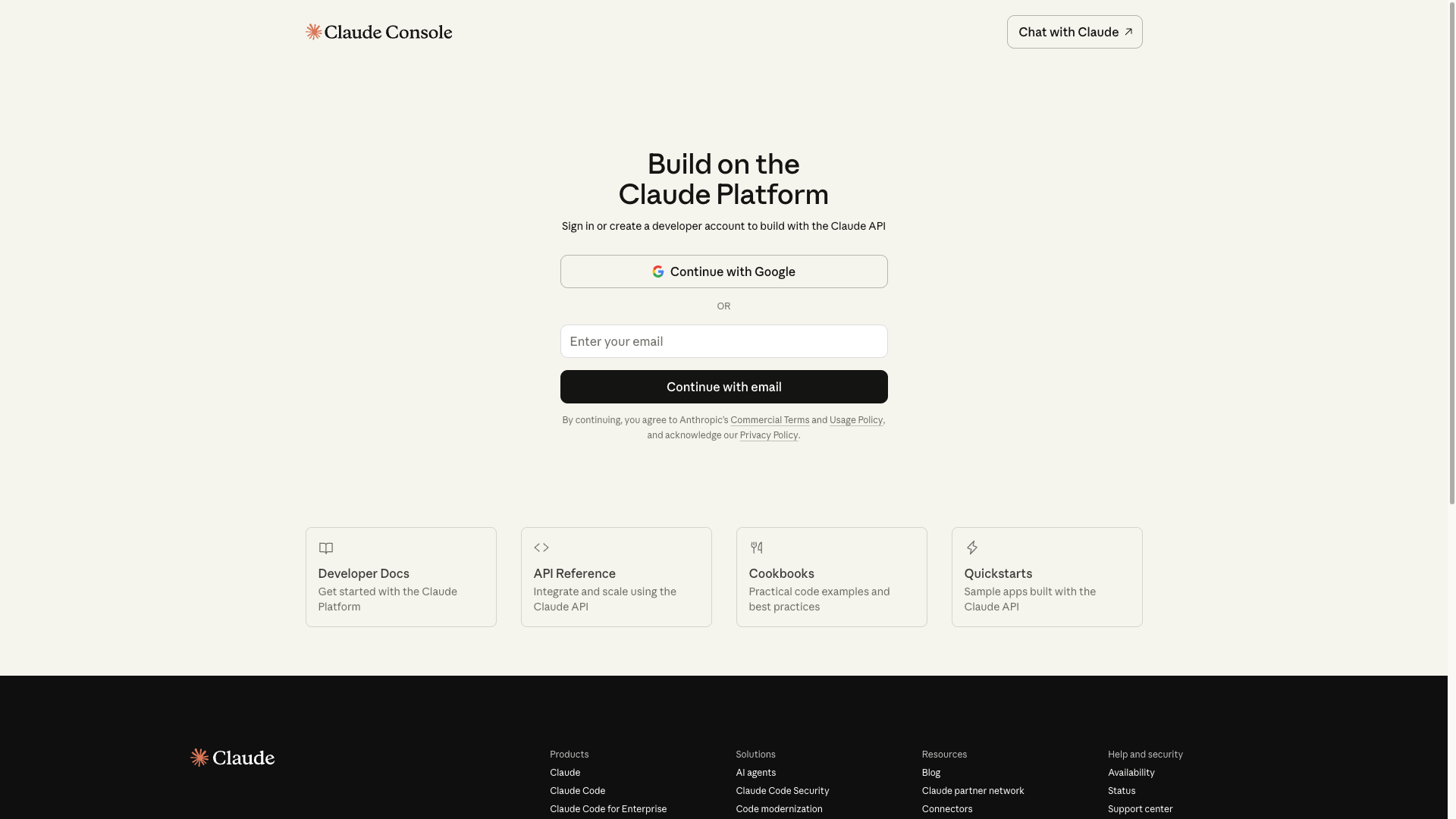
Go to https://console.anthropic.com and sign in with your organization account. If you do not have an account yet, click Continue with Google or Continue with email and complete the onboarding flow to create an Anthropic organization.
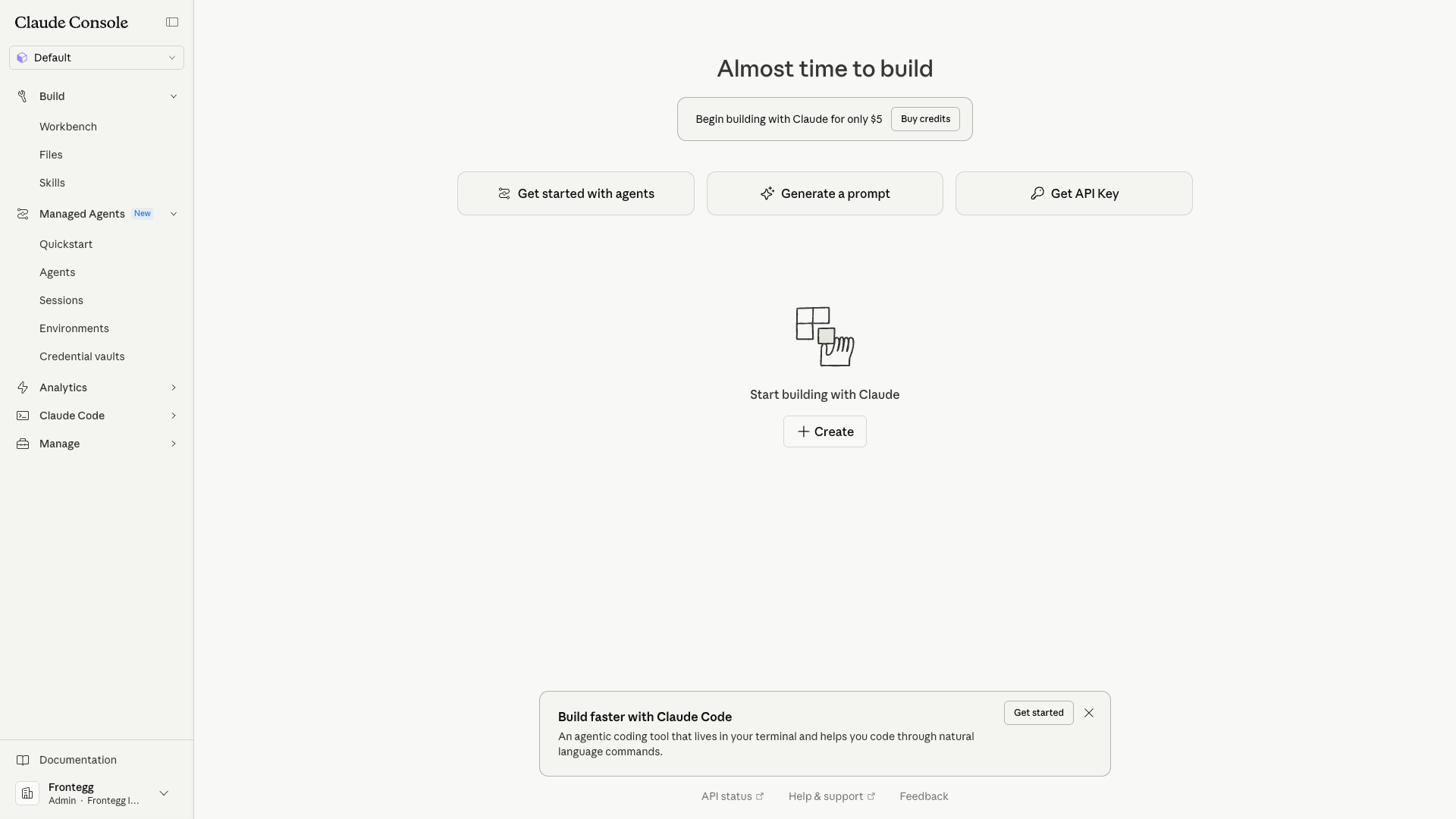
After signing in, you land on the Dashboard. From here you can access workspaces, settings, and API keys.
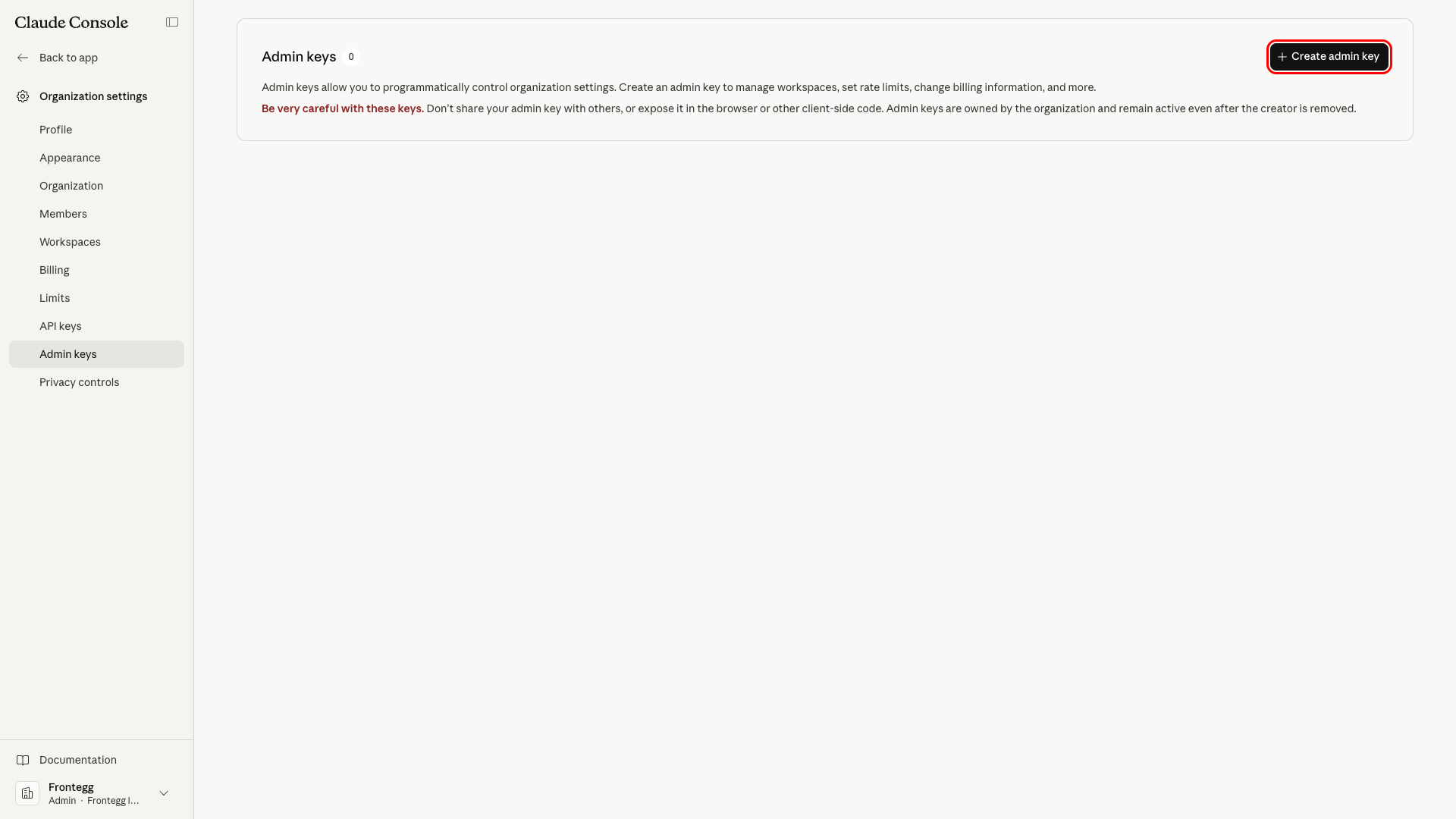
Open your profile menu in the top-right corner and navigate to Organization settings → Admin keys, or go directly to https://console.anthropic.com/settings/admin-keys. Click the Create admin key button in the top-right corner.
Admin keys vs API keys
Admin keys vs API keys
This integration requires an Admin key (prefix sk-ant-admin...), not a regular workspace API key (prefix sk-ant-api...). Admin keys are the only credential type that can call the Claude Admin API endpoints used by this connector.
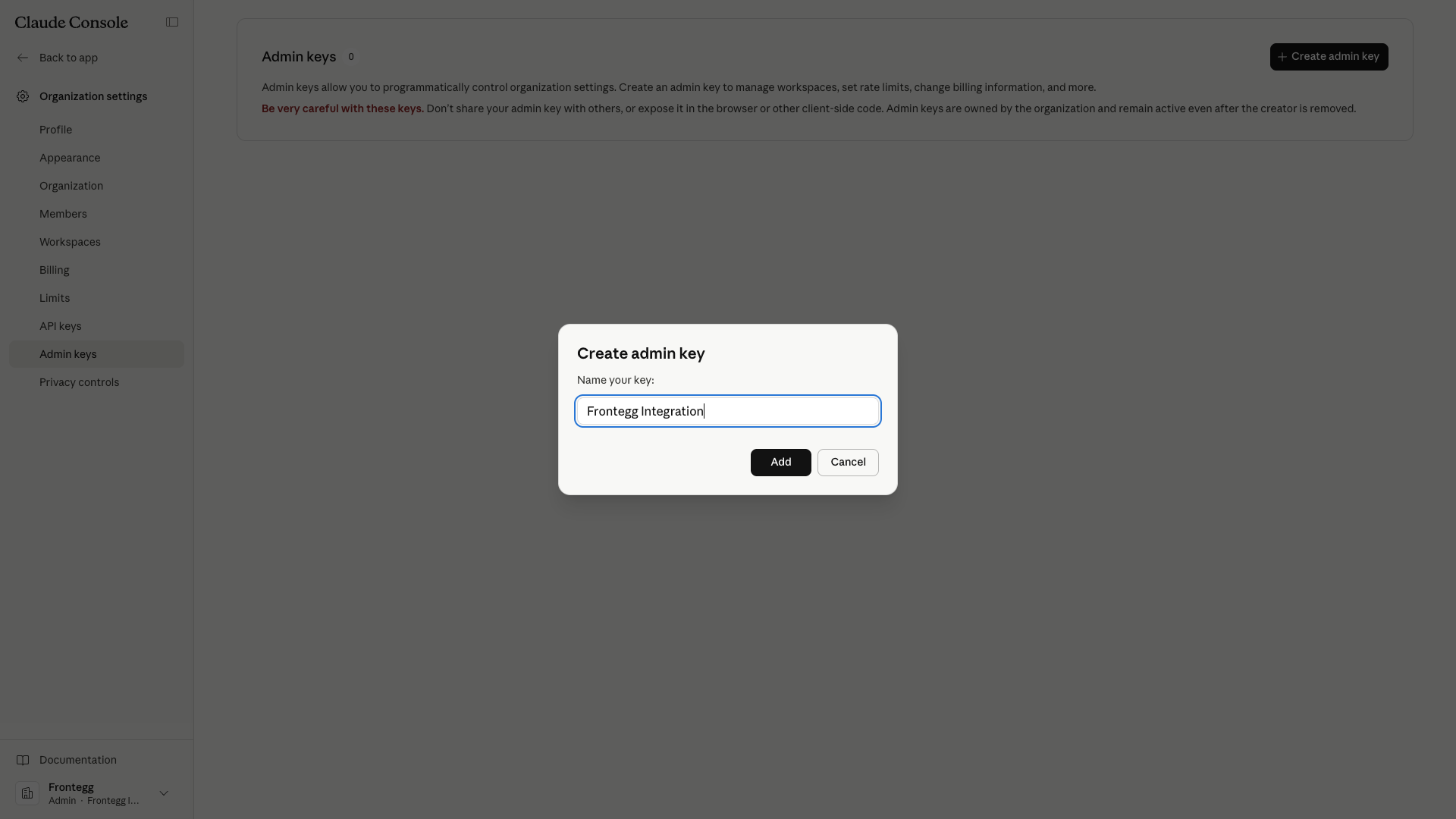
In the Create admin key dialog, enter Frontegg Integration (or any descriptive name) and click Add.
The console displays the newly generated admin key exactly once. Click Copy key and store the value in a safe location — Anthropic does not allow you to view it again.
Keep your credentials secure
Keep your credentials secure
The admin key is shown only at creation time. Never share or commit it to version control. Admin keys are owned by the organization and remain active even after the creator is removed.
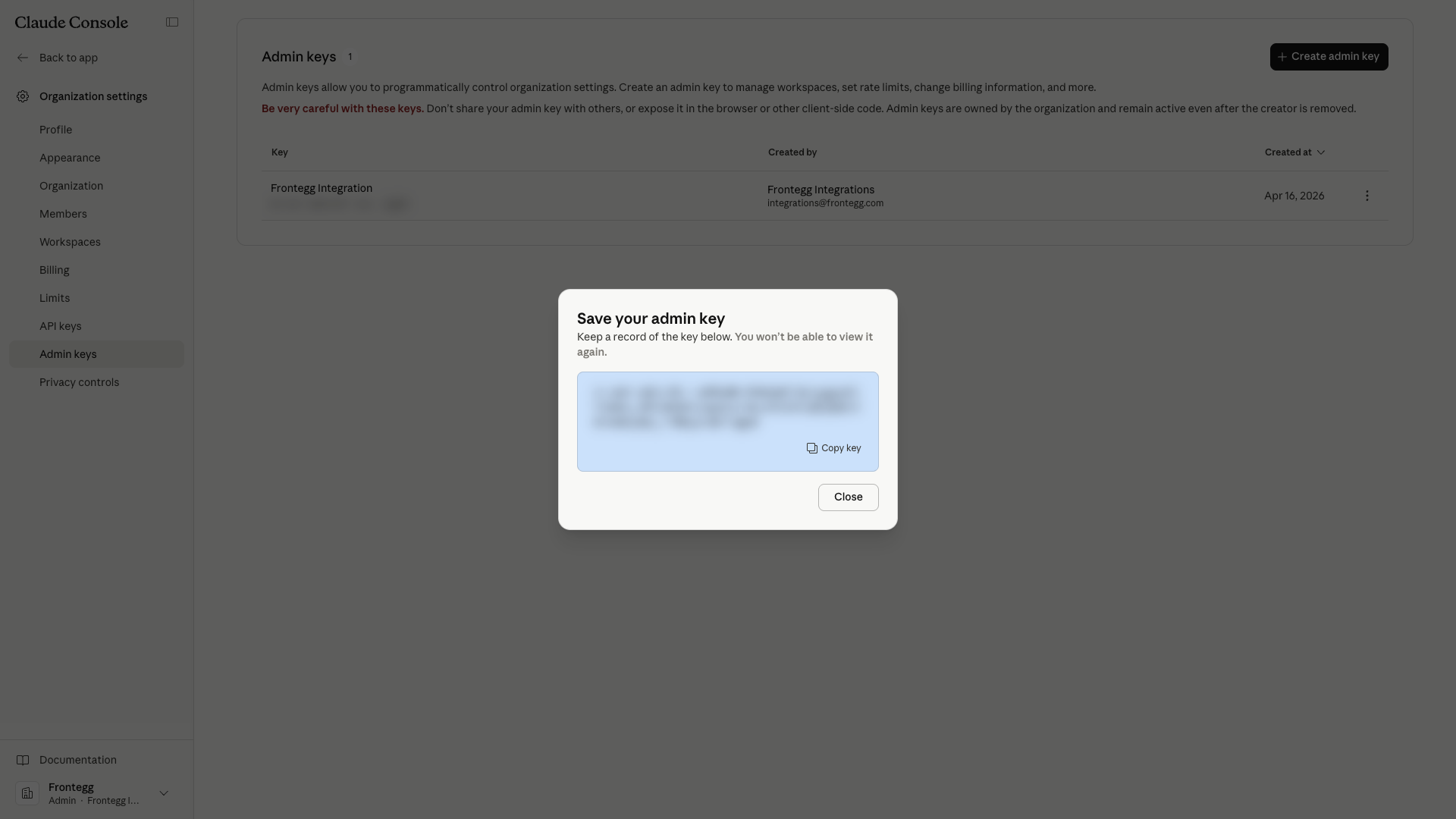
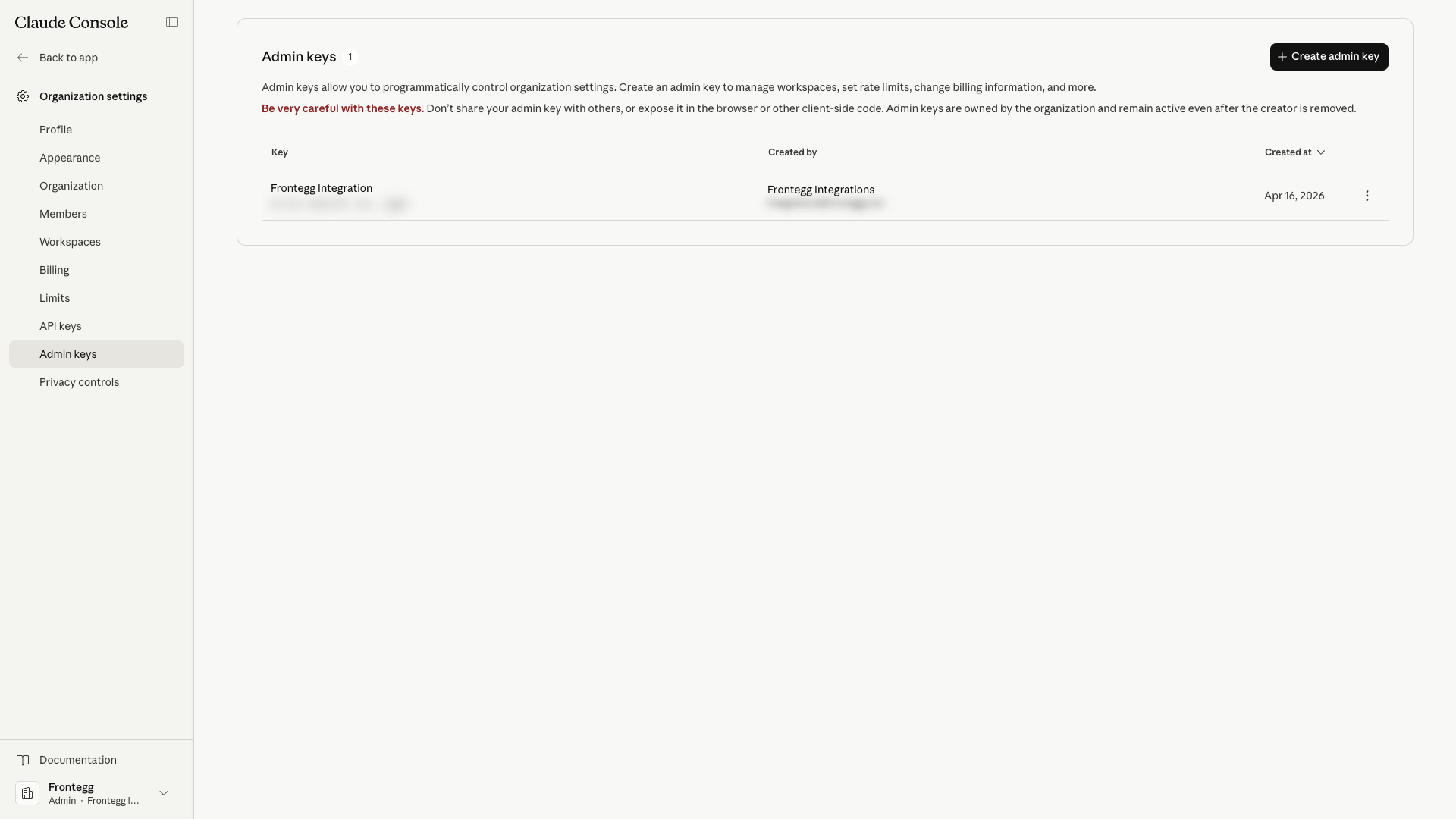
After closing the dialog, the new admin key appears in the Admin keys list together with its name, a masked preview of the value, the creator, and the creation date. You can revoke it from the More actions menu at any time.
Once you have your admin key from the steps above, enter it in the integration configuration page of the Frontegg portal:
- Open the Frontegg portal and navigate to [ENVIRONMENT] → Integrations → Anthropic.
- Paste the Admin key (starting with
sk-ant-admin...) into the API Key field. - Click Save.
Keep your credentials secure
Keep your credentials secure
Never share or commit your admin key to version control.
The Anthropic Admin API does not expose a full CRUD surface for every resource. The connector preserves the shape of the API, but the following operations are short-circuited and return a clear error at execution time.
| Operation | Limitation | Workaround |
|---|---|---|
| Create API key | Anthropic does not support creating API keys through the Admin API. | Provision new API keys directly in the Claude Console. |
| Delete API key | Anthropic does not support hard deletion of API keys. | Call Update API Key with status: "archived" as a soft delete. |
| Delete workspace | Workspaces cannot be hard-deleted. | Use Archive Workspace to soft-delete a workspace. |
| Remove organization user | Users with the organization admin role cannot be removed through the API. | Demote the user to a non-admin role first, or remove them from the Claude Console. |
| Invite expiration | Invites expire after 21 days. This window is fixed by Anthropic and cannot be configured. | Re-issue an invite once the previous one expires. |
Additional API-level constraints to be aware of:
- Authentication — The Admin API authenticates with the
x-api-keyheader using an organization Admin key. OAuth is not supported. - Mandatory version header — Every request must include
anthropic-version: 2023-06-01. The connector sets this header automatically. - Role enforcement — Scopes are enforced by the Admin key itself; role changes in the console are reflected on the next request.
- Usage and cost buckets — The
messagesusage report supports1m,1h, and1dbucket widths. Thecostreport supports only1d(daily) buckets. - Pagination limits — Usage and cost endpoints accept a
limitbetween 1 and 1000 and anext_pagecursor for subsequent pages.