ThousandEyes (now part of Cisco) is a network intelligence platform that provides visibility into the performance of every network — internal, external, carrier, and Internet — that delivers your applications. Integrating ThousandEyes with Frontegg lets your application read tests, agents, alerts, and event data on behalf of your users through a User API Token (OAuth Bearer) authenticated with the v7 ThousandEyes API.
Prerequisites
Prerequisites
- A ThousandEyes account at app.thousandeyes.com
- Permission to manage your own user profile (every user can create their own User API Token)
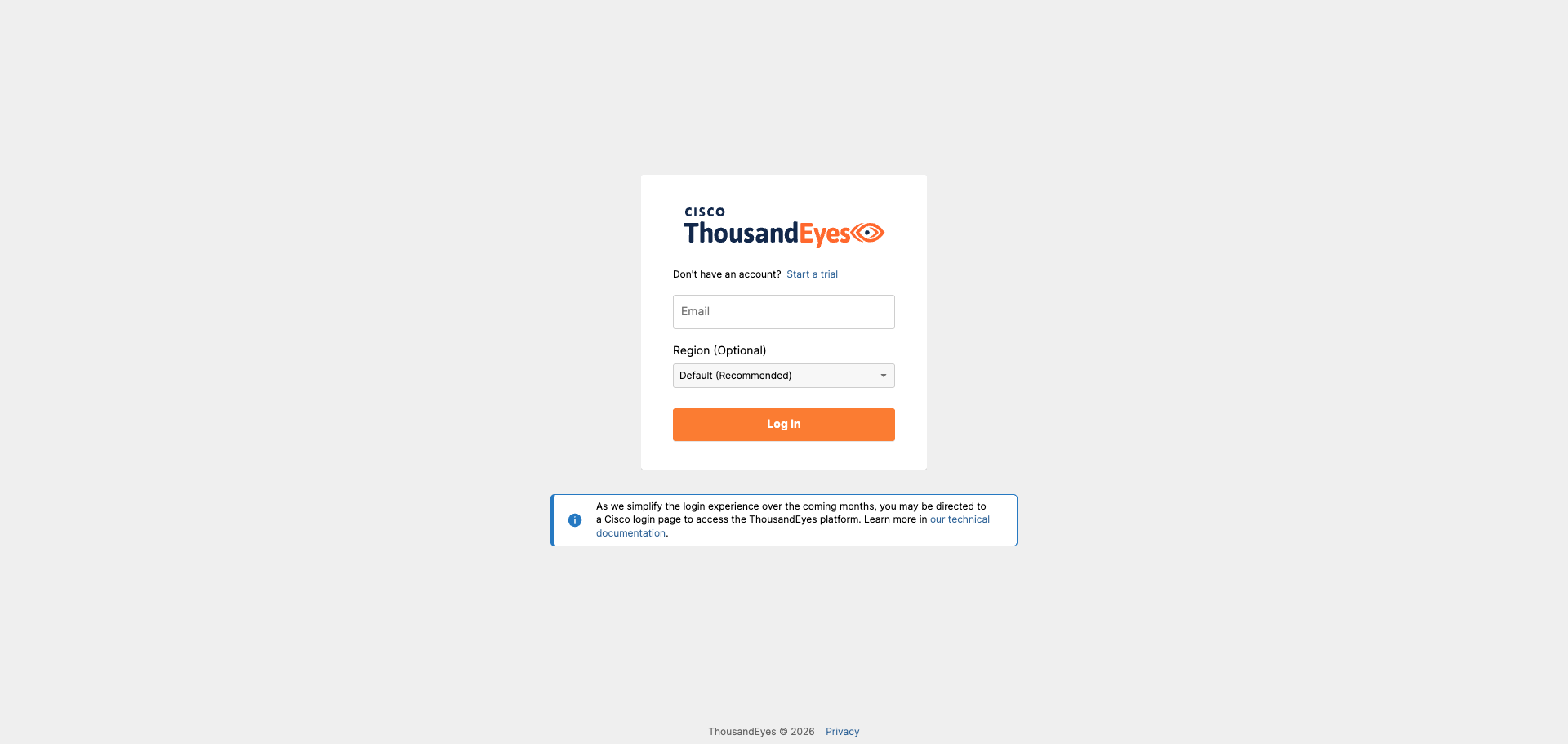
Open app.thousandeyes.com and sign in with your ThousandEyes credentials. You may be redirected to a Cisco login page depending on your tenant.
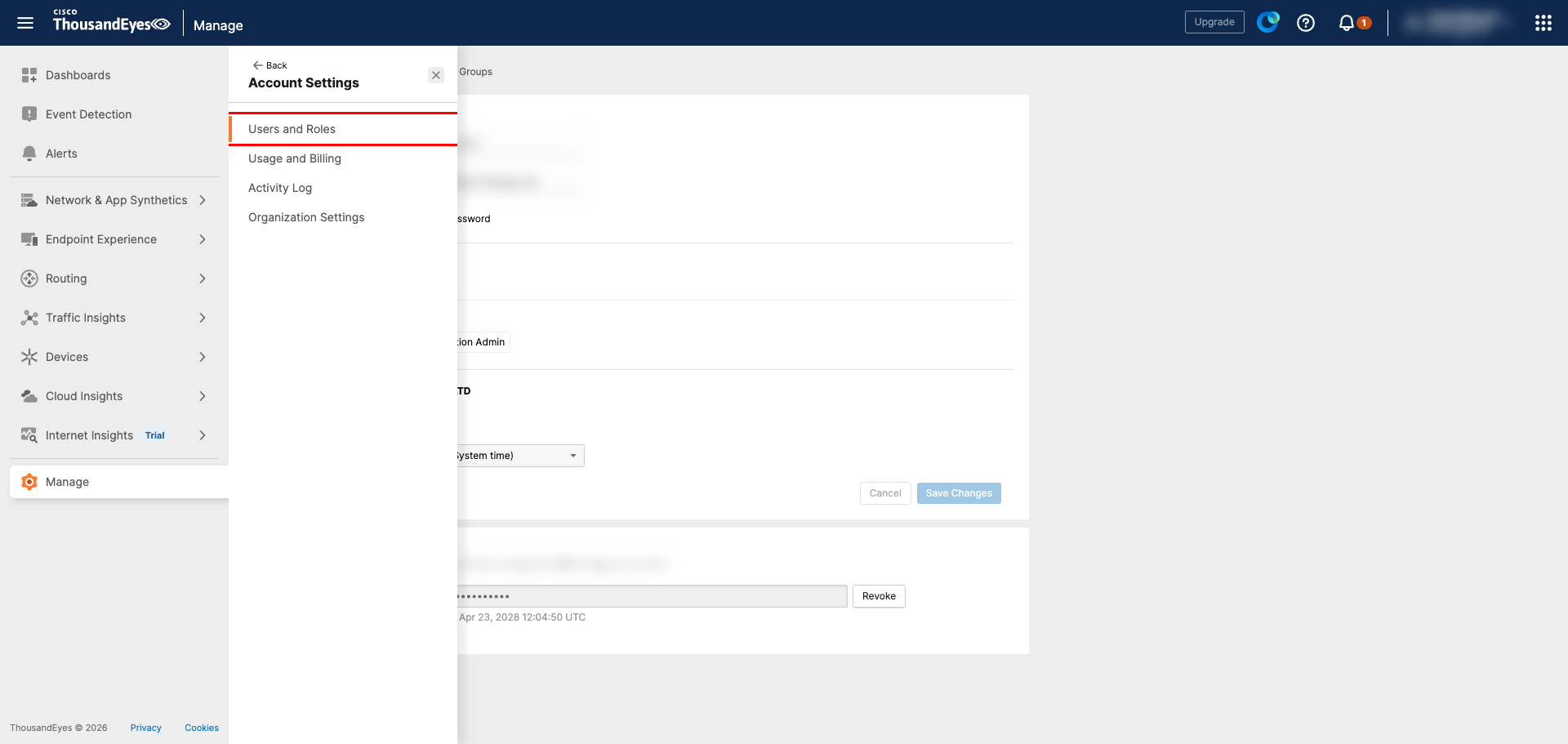
In the left navigation, expand Manage and click Account Settings → Users and Roles.
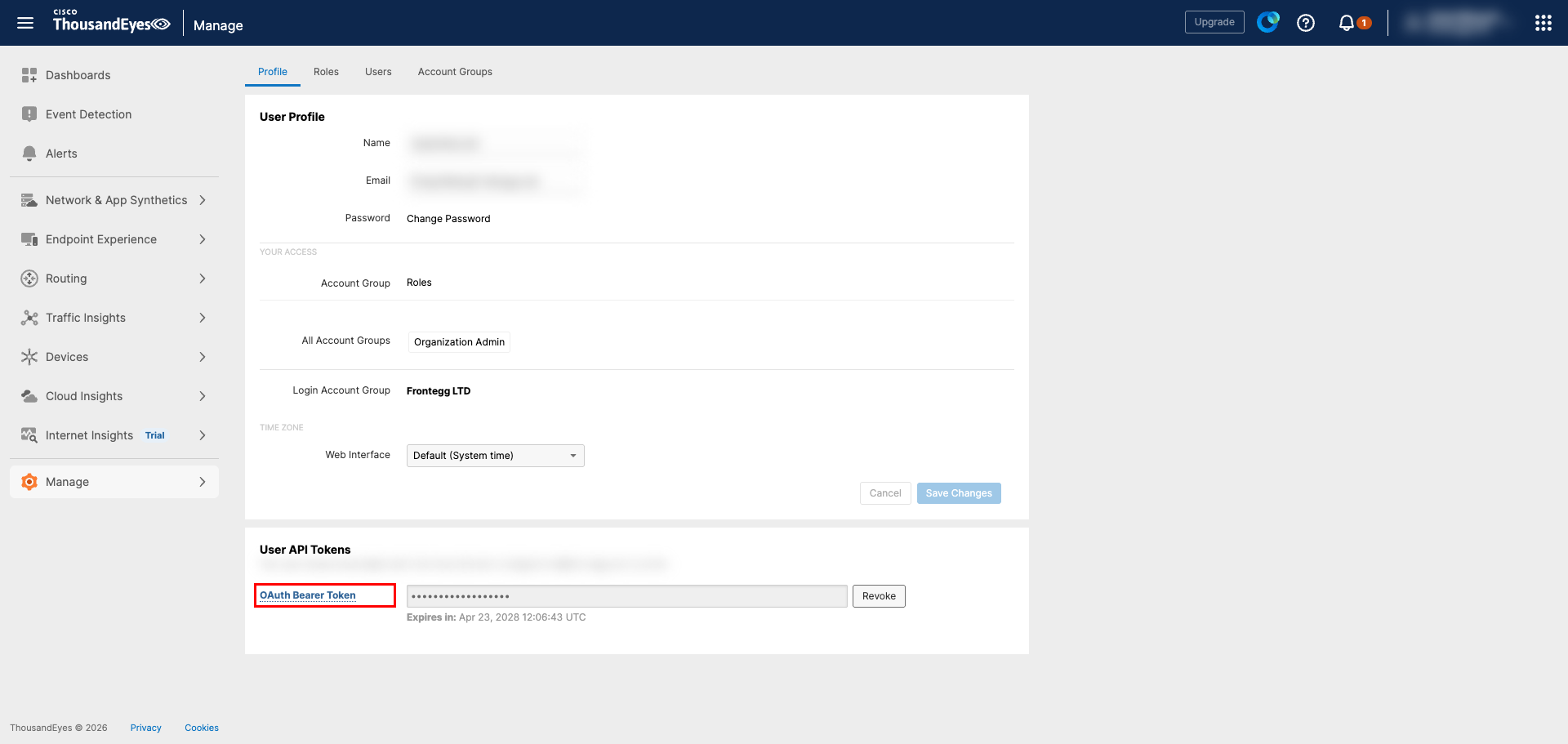
Stay on the Profile tab and scroll to the User API Tokens section. The token shown there is bound to the currently logged-in user.
- If no token exists yet, click Generate to create one.
- If a token already exists and you need a fresh one, click Revoke and then Generate to issue a new token.
Token is shown only once
Token is shown only once
ThousandEyes displays the token value only at the moment it is created or regenerated. Copy it immediately — once you leave the page, the value can no longer be retrieved and you will need to revoke and regenerate.
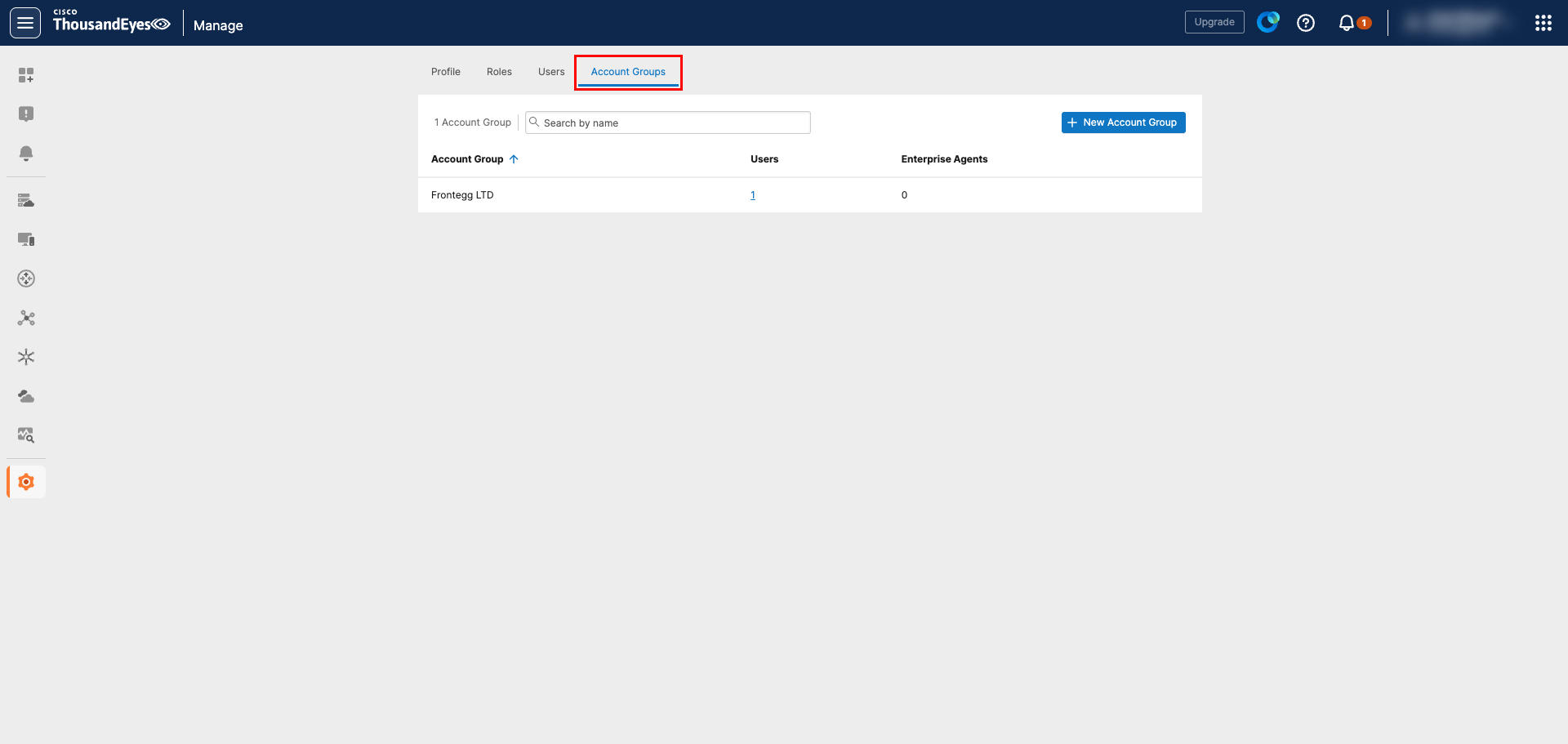
Skip this step if your user has access to a single account group — the token routes API calls to that group automatically.
If your user belongs to multiple account groups, open the Account Groups tab on the same Users and Roles page to see the list of groups available to your token.
The numeric account group ID (aid) is not surfaced directly in the UI. To retrieve it, call the v7 API with the bearer token from Step 3:
curl -H "Authorization: Bearer YOUR_USER_API_TOKEN" \
  https://api.thousandeyes.com/v7/account-groups
The response lists every account group available to your token along with its aid. Note the aid of the group you want Frontegg to operate against.
Once you have your User API Token (and, if applicable, the Account Group ID), enter them in the integration configuration page of the Frontegg portal:
- Open the Frontegg portal and navigate to your environment's Integrations section.
- Find ThousandEyes and open its configuration page.
- Paste the User API Token into the API Key field.
- If your user has access to multiple account groups, paste the numeric ID into the Account Group ID field. Otherwise, leave it empty.
- Click Save.
Keep your token secure
Keep your token secure
A User API Token grants access to every account group the issuing user can reach. Treat it as a password, never commit it to version control, and rotate it via Revoke → Generate if you suspect it has been exposed.