Better Uptime (part of Better Stack) is an uptime monitoring, incident management, and status page platform. It tracks your websites, APIs, cron jobs, and heartbeats, alerts your team when something goes down, and keeps customers informed through hosted status pages. Integrating Better Uptime with Frontegg lets your application manage monitors, monitor groups, heartbeats, incidents, and status pages on behalf of your users.
Better Uptime authenticates with an API token (no OAuth flow). The token is sent as a Bearer token in the Authorization header. You generate it in your Better Stack account and paste it into the Frontegg portal.
Prerequisites
Prerequisites
- A Better Stack account (sign up for free)
- Access to your organization's settings to create global API tokens
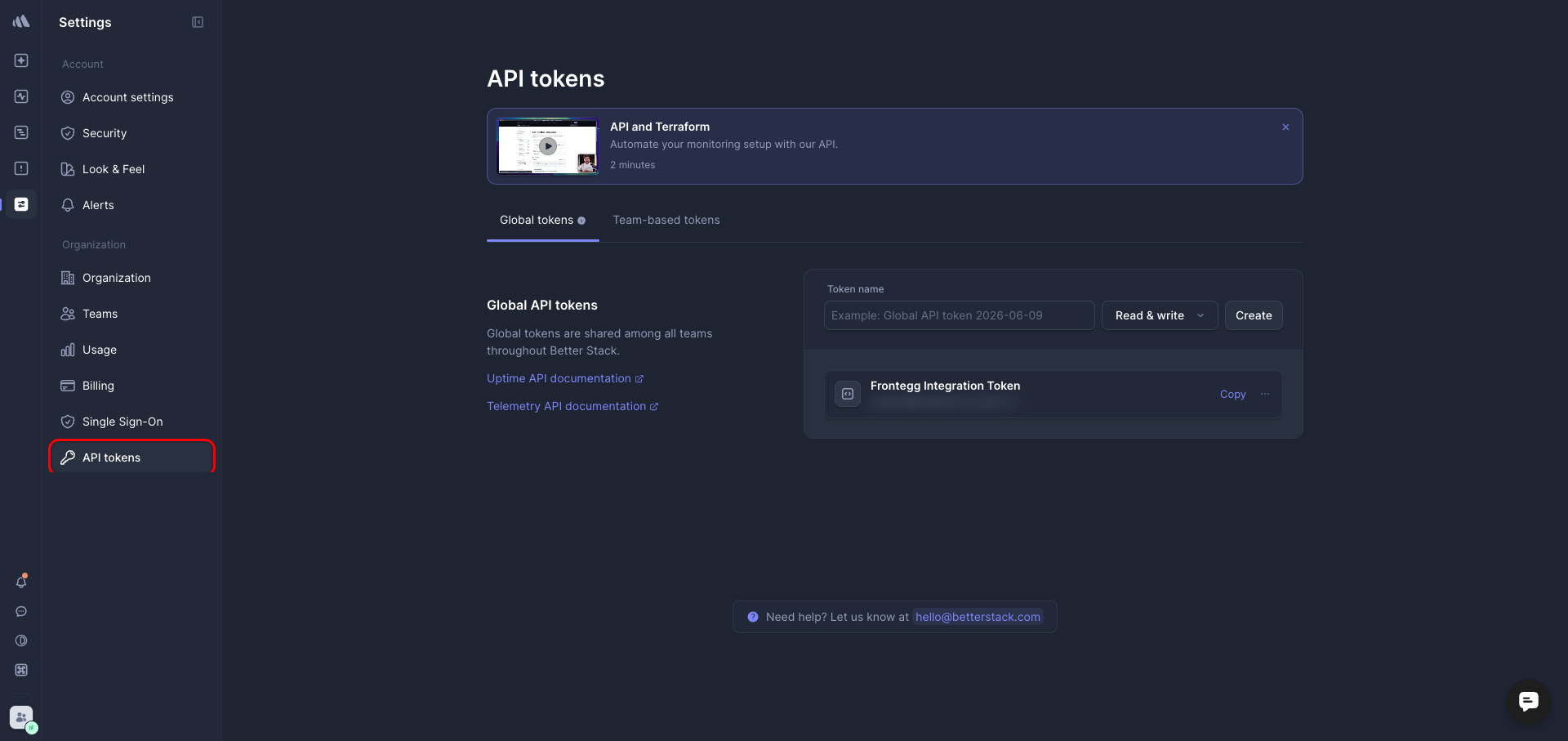
Log in to Better Stack, then go to Settings → API tokens and make sure the Global tokens tab is selected. Global tokens are shared across all teams in your Better Stack organization.
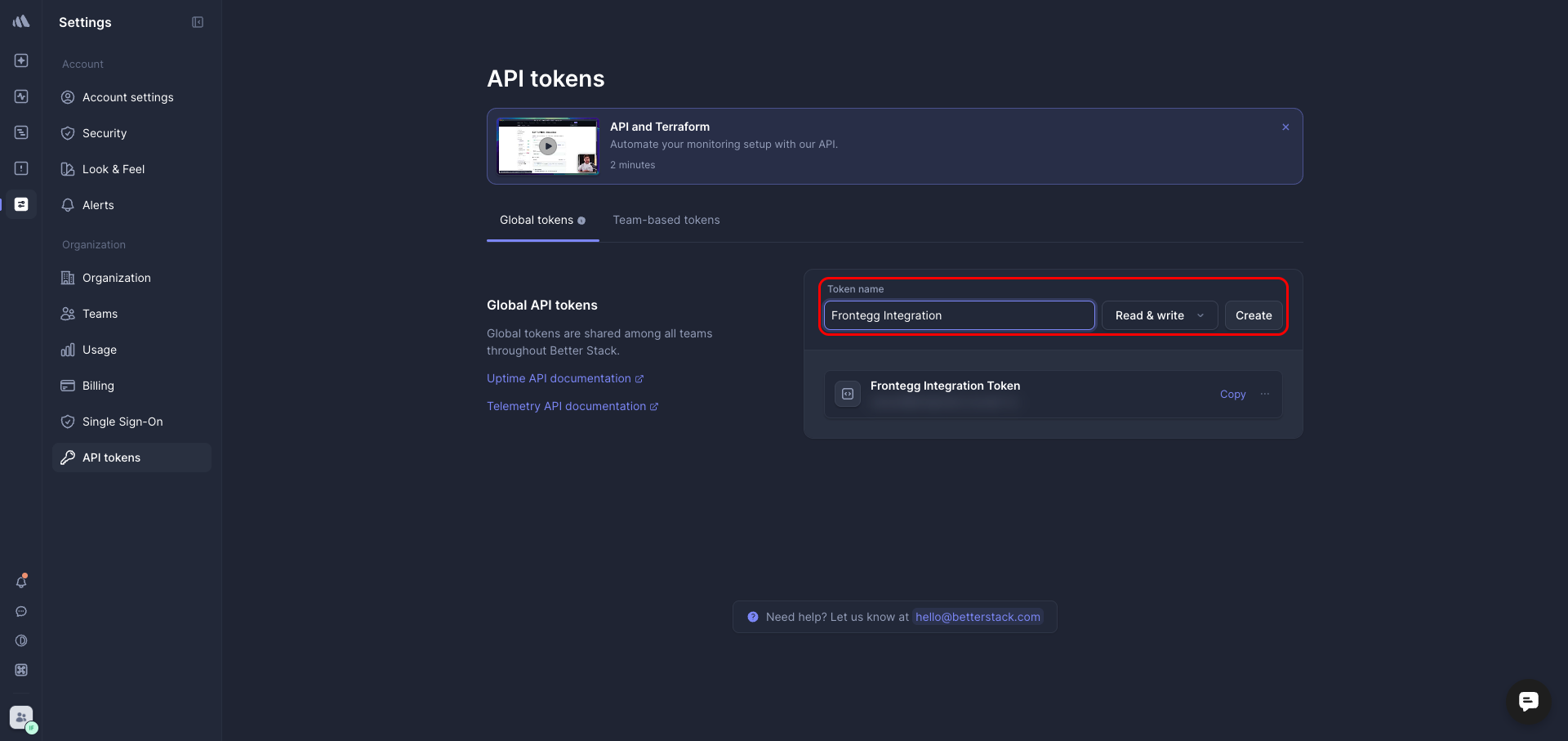
In the Token name field, enter a descriptive name such as Frontegg Integration. Leave the access level set to Read & write so the integration can both read and manage your monitors, incidents, and status pages, then click Create.
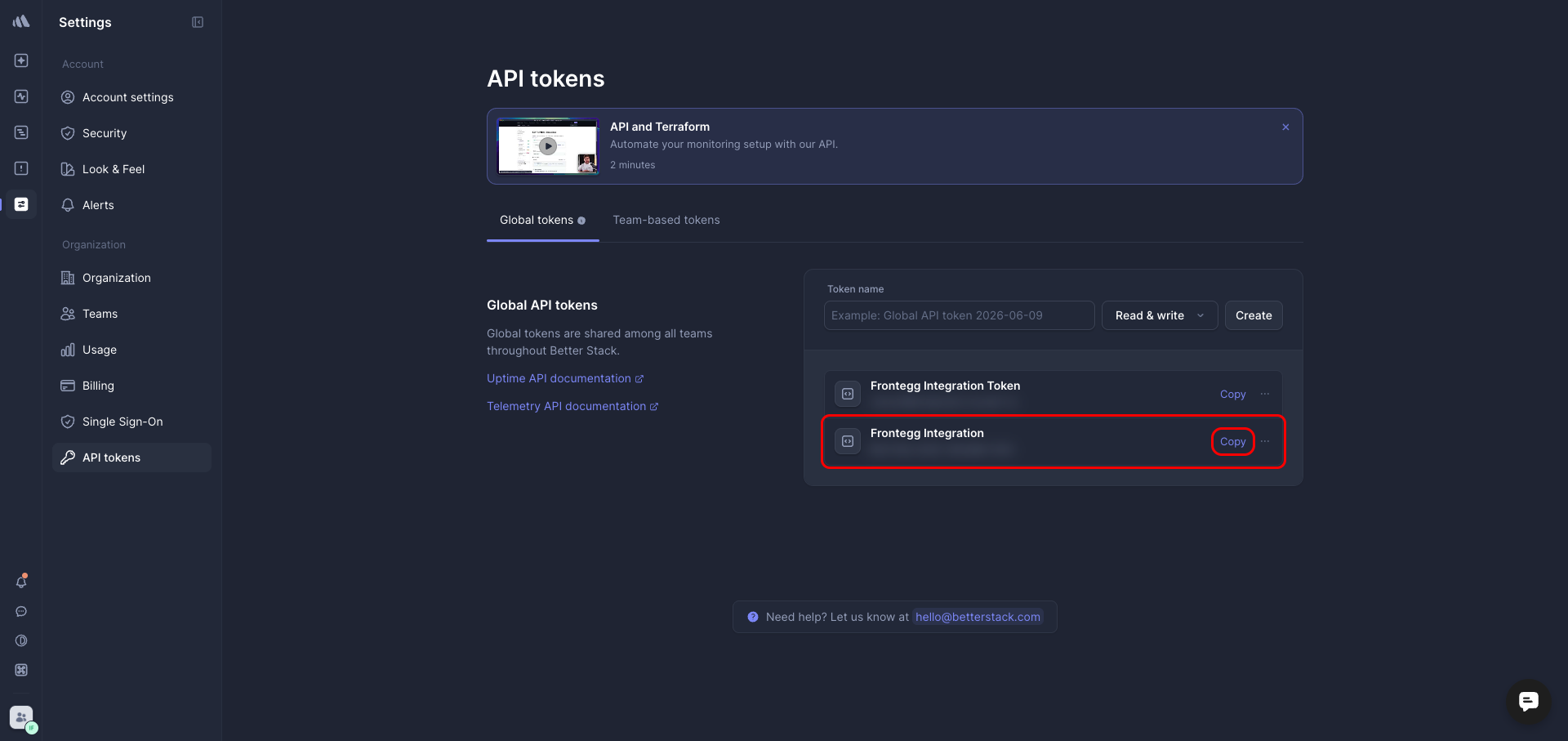
Once the token is created, it appears in the list of global tokens. Click Copy next to your new token to copy the value, then store it somewhere safe.
Keep your API token secure
Keep your API token secure
Treat the API token like a password. Never share it or commit it to version control. If it is exposed, delete the token in Better Stack and create a new one.
Once you have copied your API token from the steps above, enter it in the integration configuration page of the Frontegg portal:
- Open the Frontegg portal and navigate to [ENVIRONMENT] → Integrations → Better Uptime.
- Paste the token into the API Key field.
- Click Save.