n8n is a workflow automation platform that lets teams build and run integrations between apps and services. Integrating n8n with Frontegg allows your application to access automation data — including workflows, executions, credentials, and variables — on behalf of your users through API key authentication.
Prerequisites
Prerequisites
- An n8n account (Cloud or self-hosted)
- Admin access to your n8n instance
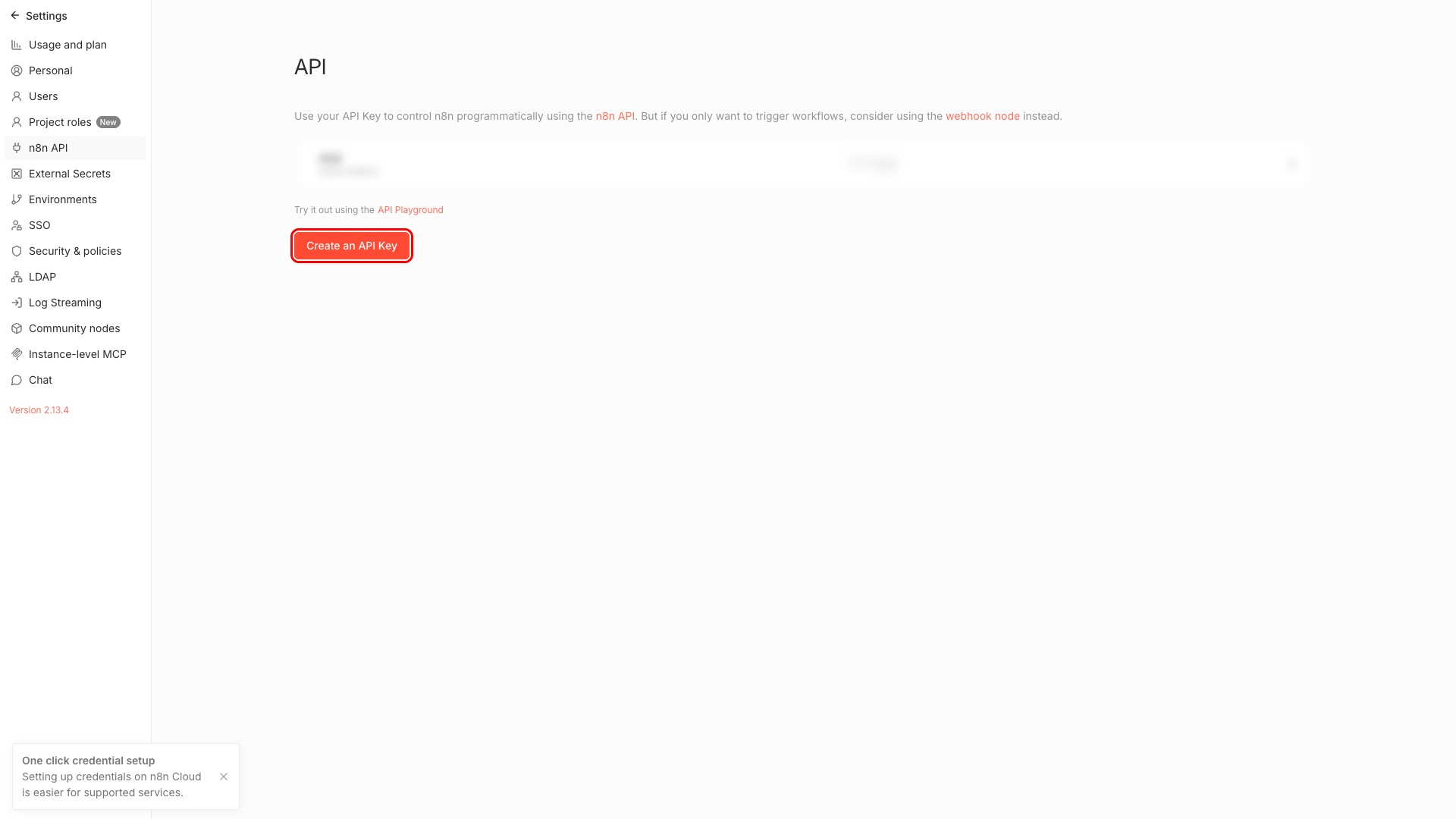
Sign in to your n8n instance. In the left sidebar, click Settings, then select n8n API.
This page lists all your existing API keys and lets you create new ones. Click Create an API Key to continue.
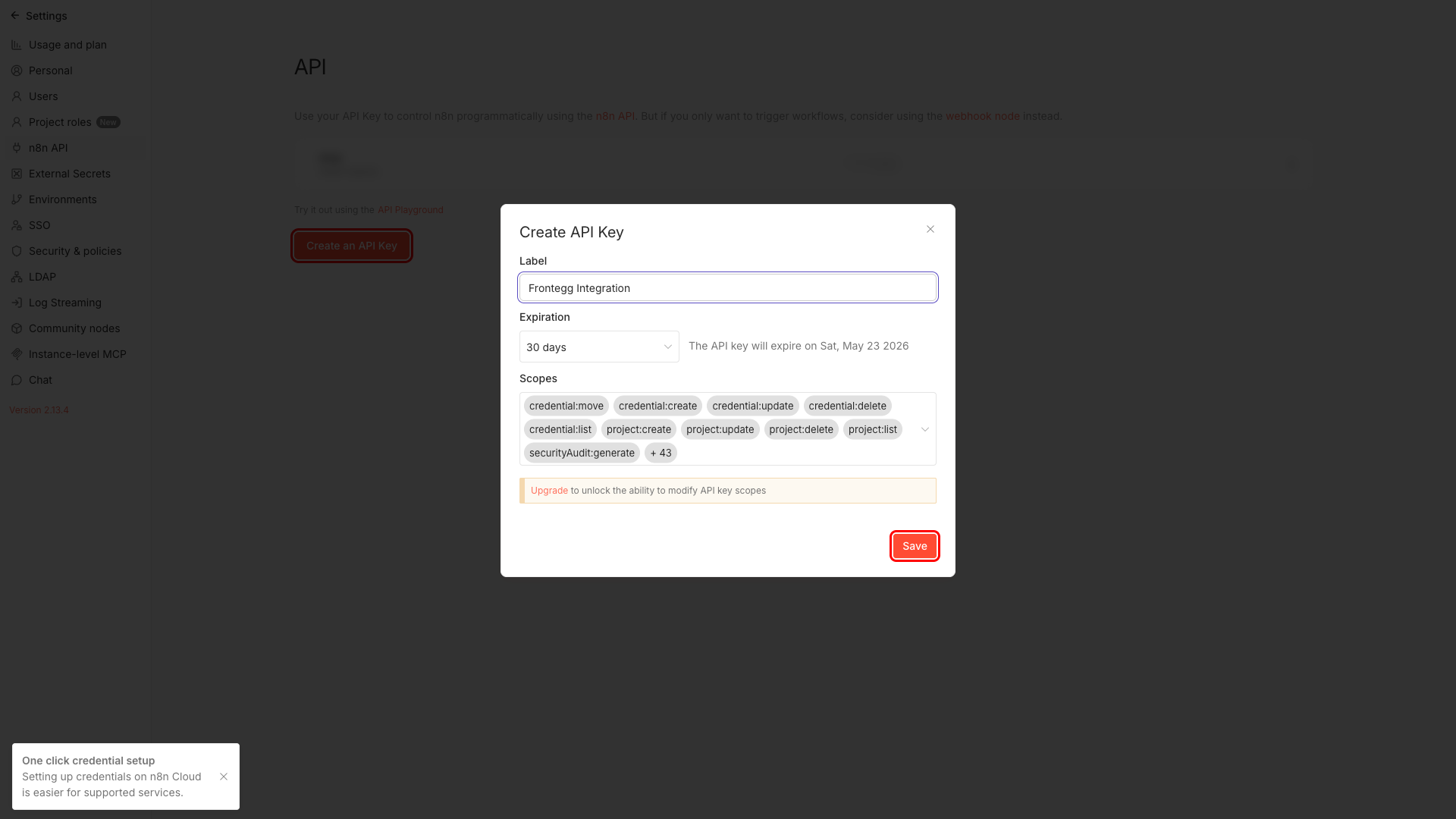
In the Create API Key dialog, enter a label for your key — for example, Frontegg Integration. Then click Save.
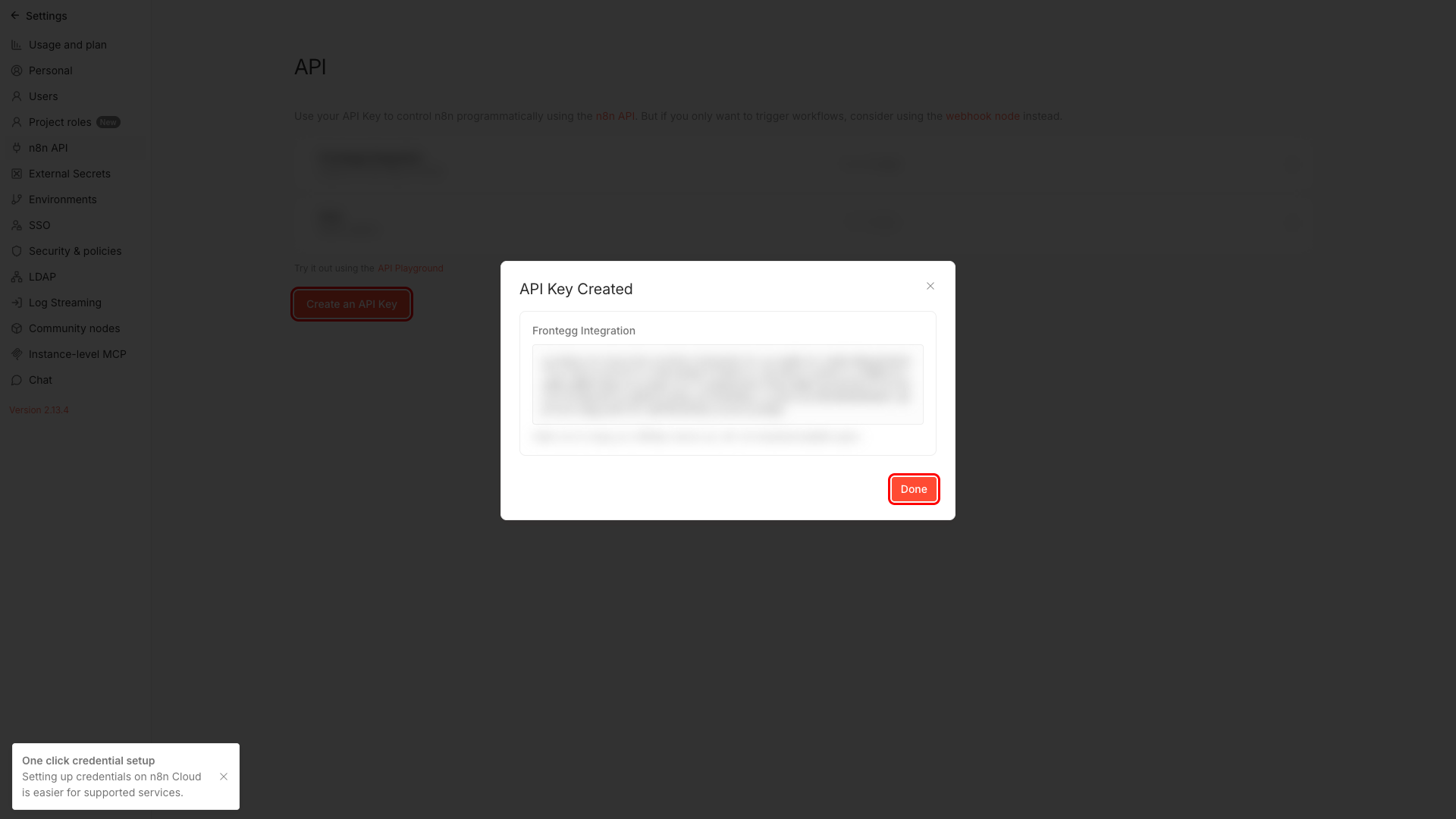
After saving, n8n displays your new API key. Copy the key value and store it securely.
Save your key now
Save your key now
The full API key value is only shown immediately after creation. Once you dismiss this dialog, only the masked version is displayed. Store the key in a secure location before continuing.
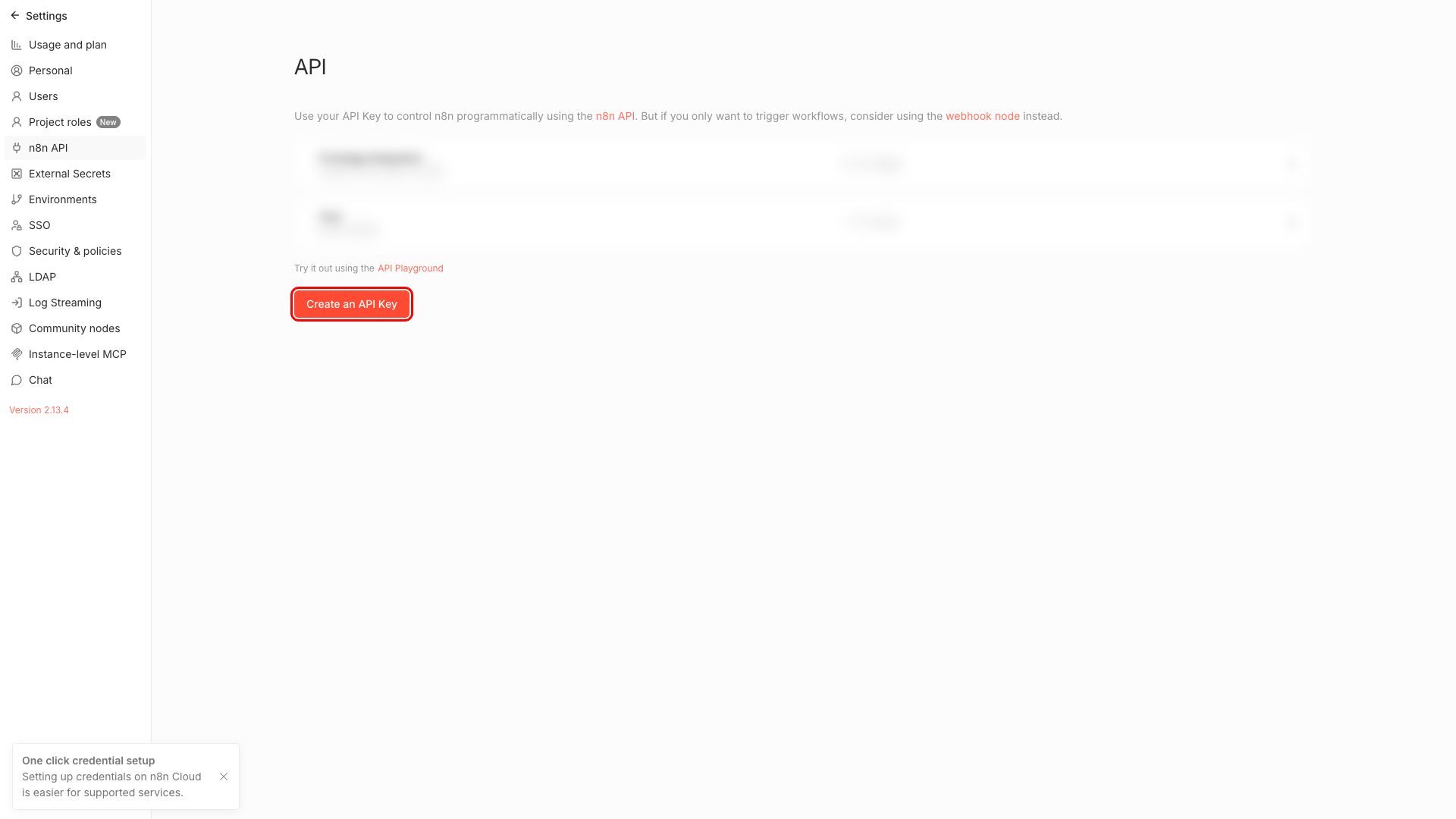
After dismissing the dialog, your new key appears in the API Keys list on the n8n API settings page.
Once you have your API key from the steps above, enter it in the integration configuration page of the Frontegg portal:
- Open the Frontegg portal and navigate to [ENVIRONMENT] → Integrations → n8n.
- Enter the API Key you copied in Step 3 in the corresponding field.
- Click Save.
Keep your key secure
Keep your key secure
Never share or commit your API key to version control.
When Frontegg calls the n8n API on behalf of your users, the following permission scopes apply:
| Scope | Description |
|---|---|
workflow:read | Read workflows |
workflow:write | Create, update, and delete workflows |
workflow:execute | Execute workflows |
execution:read | Read execution data |
execution:write | Delete executions |
credential:read | Read credential metadata |
credential:write | Create, update, and delete credentials |
user:read | Read user information |
user:write | Manage users |
audit:read | Generate security audits |
variable:read | Read variables |
variable:write | Manage variables |
tag:read | Read tags |
tag:write | Manage tags |
project:read | Read projects |
project:write | Manage projects |
sourceControl:read | Read source control |
sourceControl:write | Pull from source control |