SAP is a leading enterprise resource planning (ERP) platform that provides comprehensive business management tools. Integrating SAP with Frontegg allows your application to access business partner data from SAP S/4HANA Cloud through the SAP Business Accelerator Hub API key.
Prerequisites
Prerequisites
- An SAP account (SAP Universal ID)
- Access to the SAP Business Accelerator Hub
Go to api.sap.com and sign in with your SAP account. If you do not have an SAP account, click Register on the sign-in page to create one.
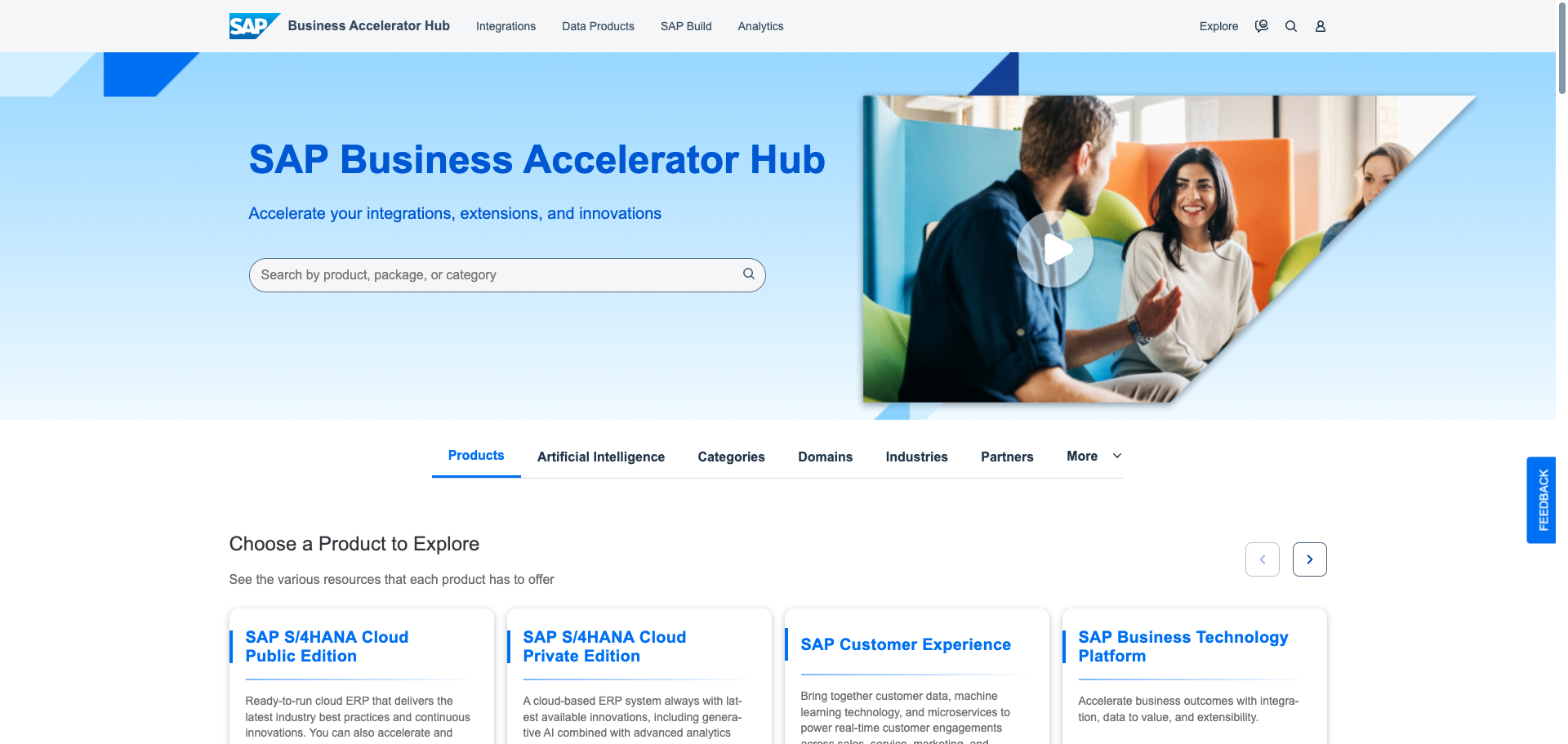
Once signed in, open the Business Partner (A2X) API page. This API is part of the SAP S/4HANA Cloud Public Edition product and provides access to business partner, supplier, and customer data.
On the API overview page, click Show API Key.
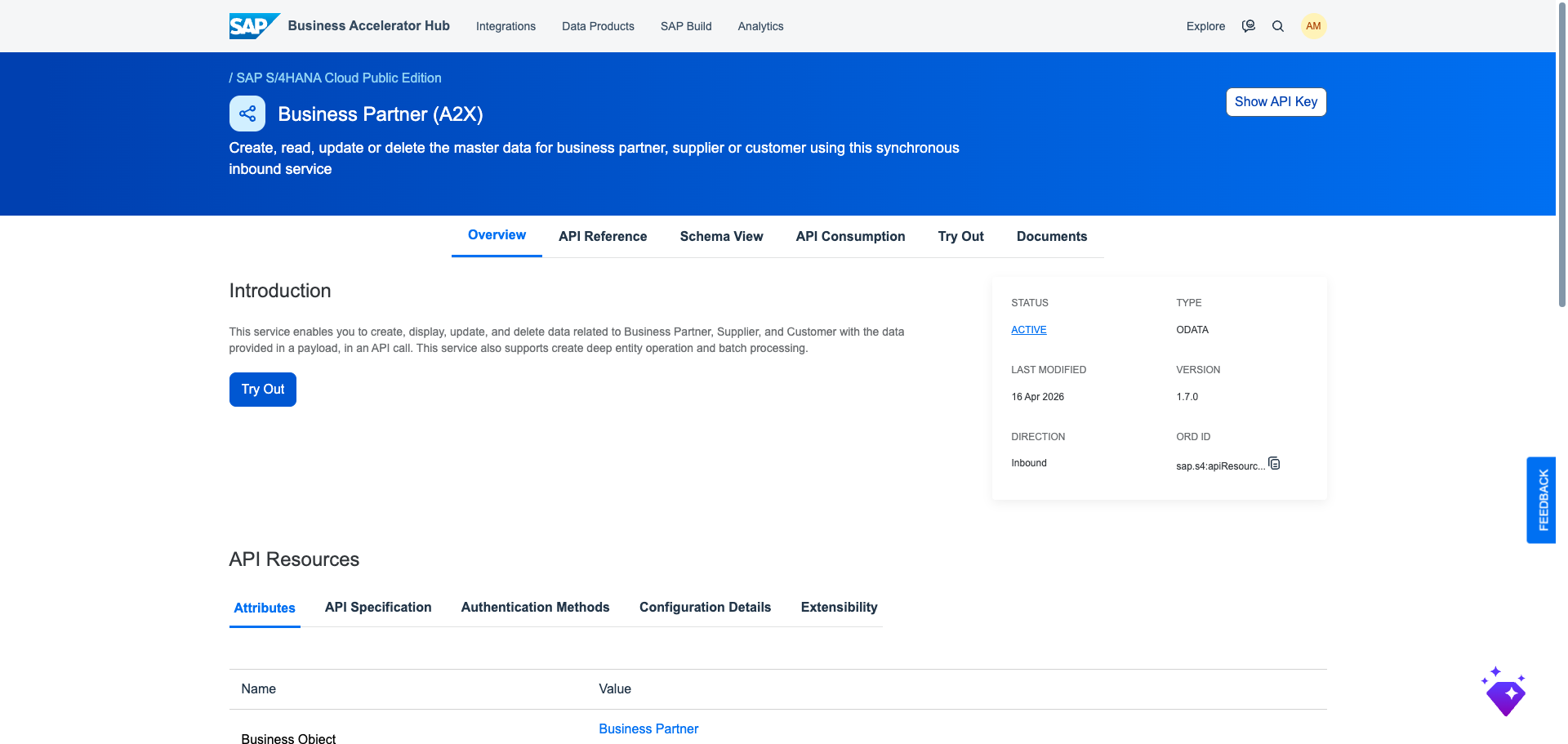
A dialog displays your API key. Click Copy Key and Close to copy the key to your clipboard. Store the key in a safe place.
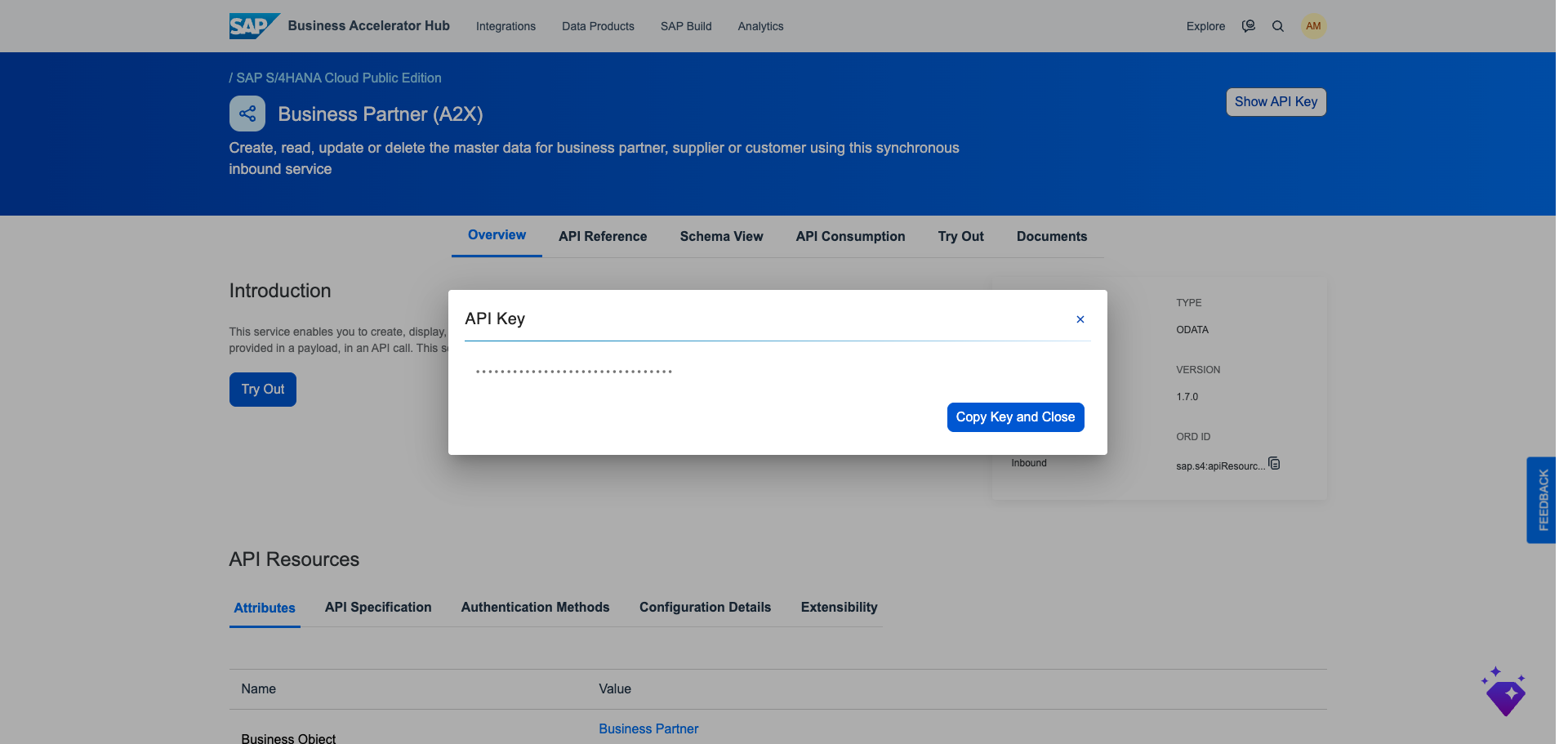
Once you have obtained your API key from the steps above, enter it in the integration configuration page of the Frontegg portal:
- Open the Frontegg portal and navigate to [ENVIRONMENT] → Integrations → SAP.
- Enter the API key in the API Key field.
- Click Save.
Keep your credentials secure
Keep your credentials secure
Never share or commit your API key to version control.