Buddy is a DevOps automation platform for building, testing, and deploying applications through CI/CD pipelines. Integrating Buddy with Frontegg allows your application to manage pipelines, executions, and workspaces on behalf of your users through OAuth 2.0 authentication.
Prerequisites
Prerequisites
- A Buddy account with access to My Apps
Sign in to Buddy and navigate to your user menu by clicking the avatar in the top-right corner. Select Apps from the dropdown.
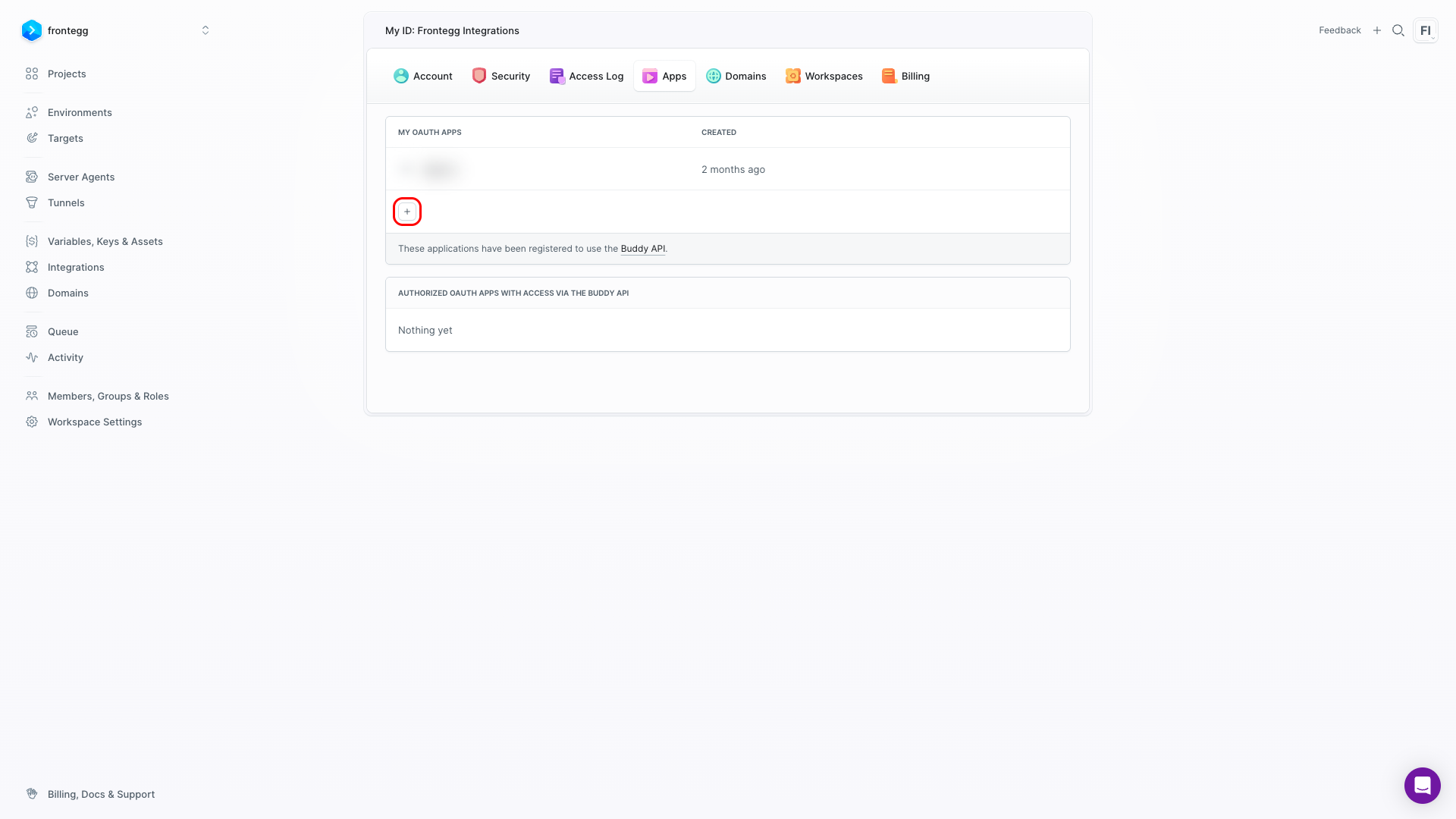
This opens the My OAuth Apps page at https://app.buddy.works/my-apps, which lists all OAuth applications registered under your account.
Click the + button to register a new application.
The Register new form contains the following fields:
| Field | Value |
|---|---|
| Application name | A descriptive name, e.g., Frontegg Integration |
| Homepage URL | The URL of your application homepage |
| Authorization callback URLs | The Frontegg callback URIs (see step 3) |
| Application description | Optional description of your application |
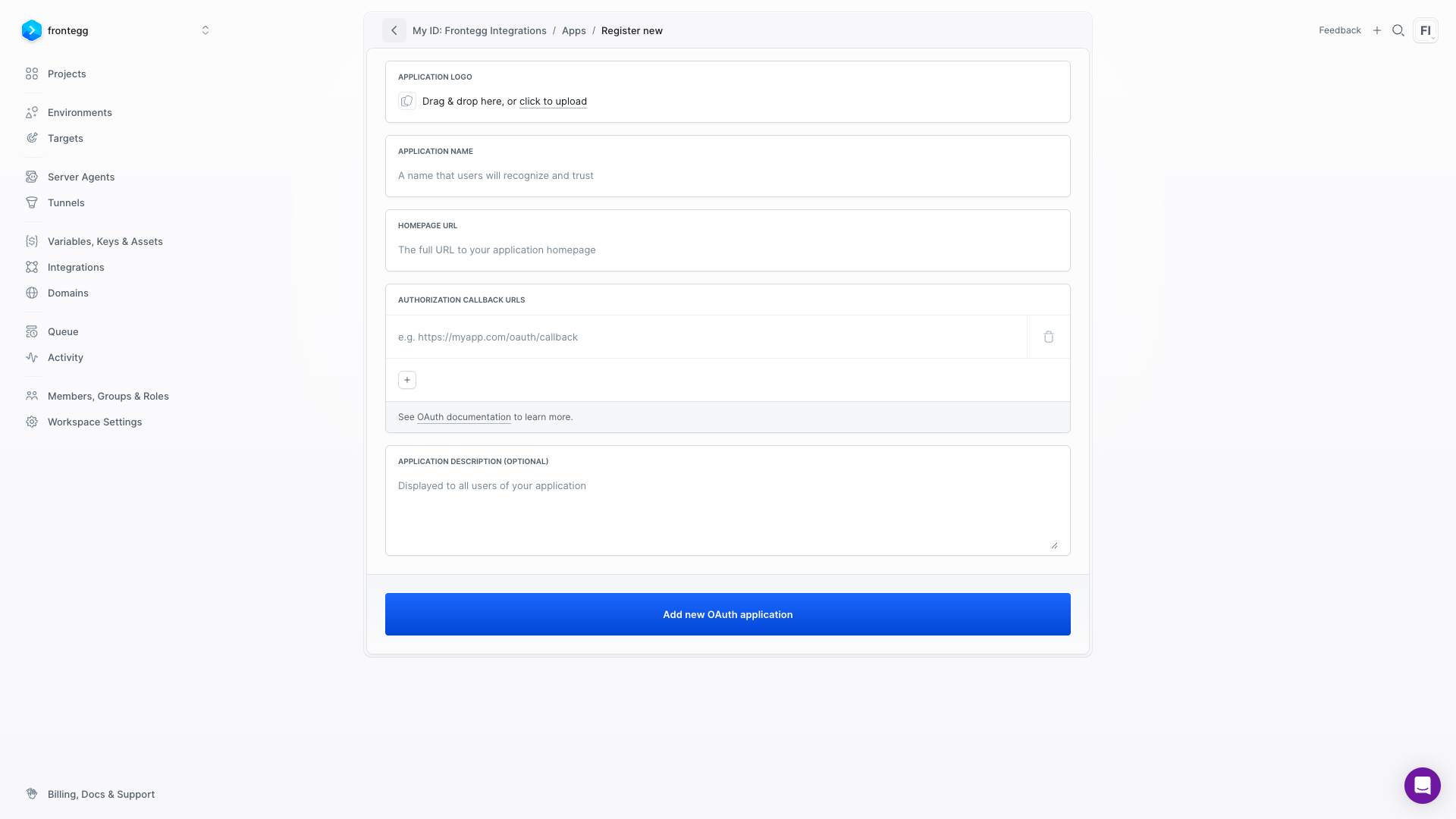
Enter the following values:
- Application name:
Frontegg Integration - Homepage URL: The URL of your application homepage
- Authorization callback URLs: Enter the following URI:
https://YOUR_MCP_GATEWAY_URL/integration-callbackClick Add new OAuth application.
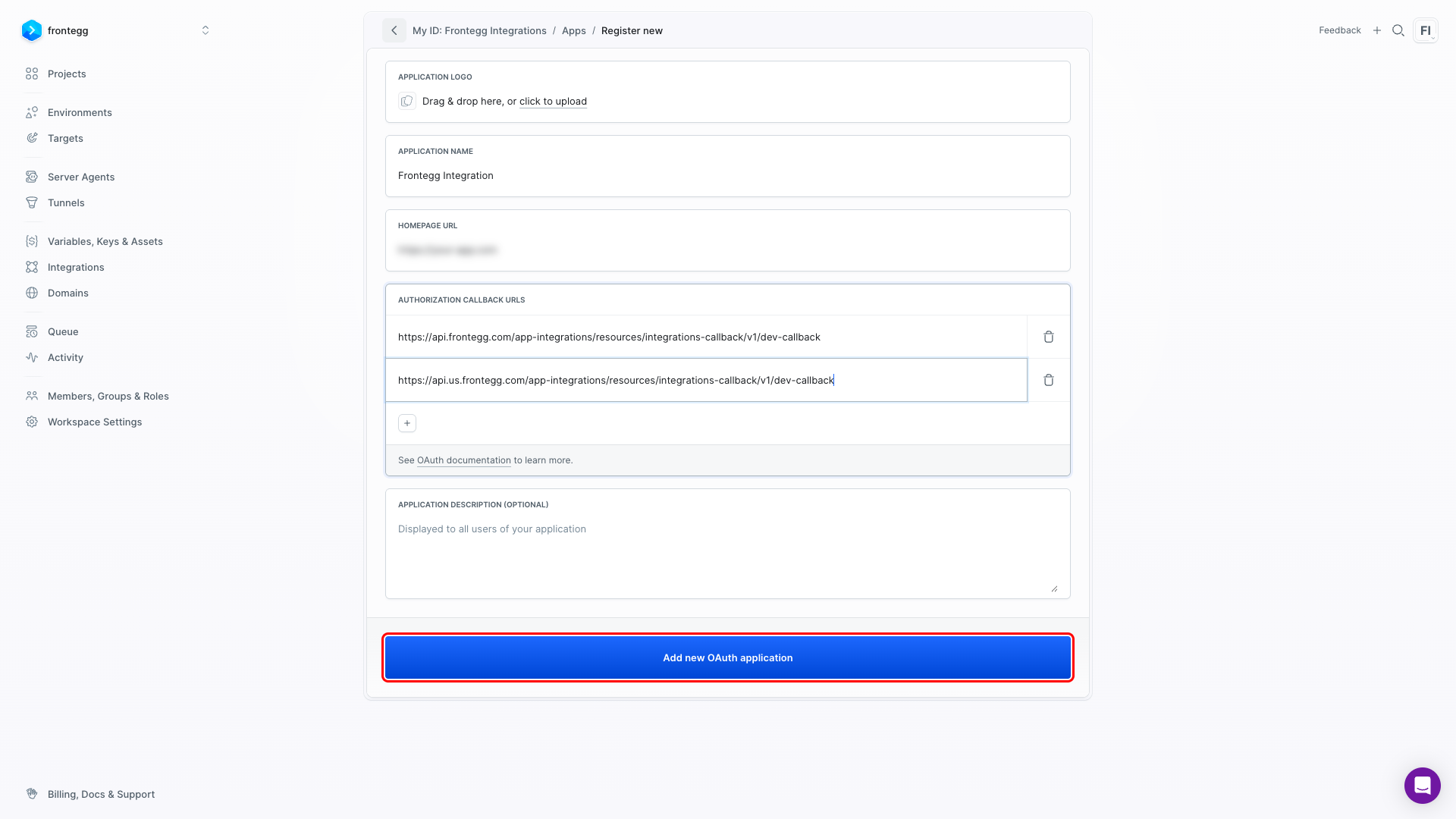
After saving, Buddy displays a Copy your client secret dialog. Copy the secret immediately and store it securely.
One-time display
One-time display
The Client Secret is shown only once. If you close this window without copying it, click Reset client secret on the application settings page to generate a new one — this will invalidate the previous secret.
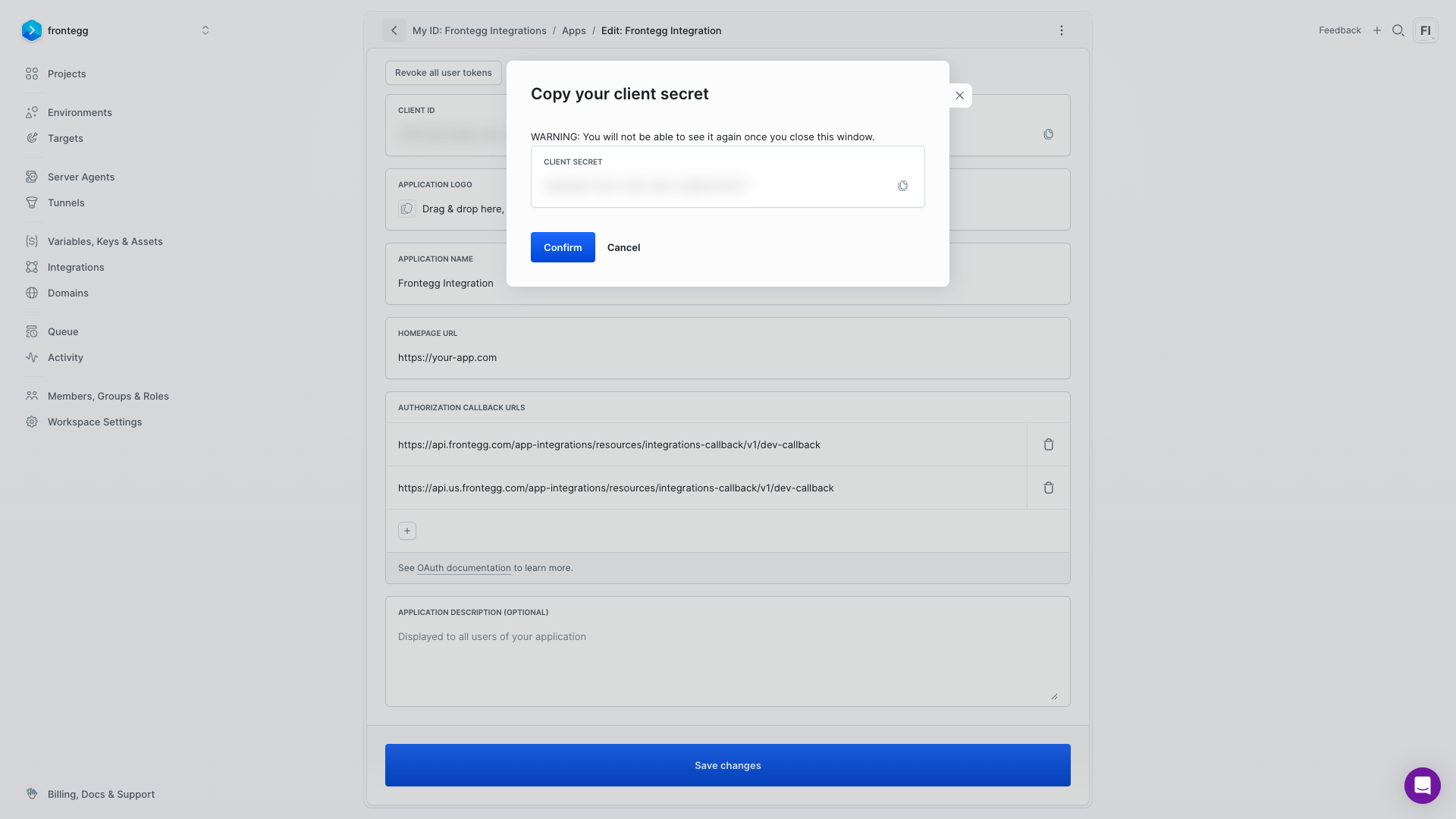
After confirming the secret dialog, Buddy redirects you to the application settings page. The Client ID is displayed at the top of the page. Copy it and store it alongside the Client Secret.
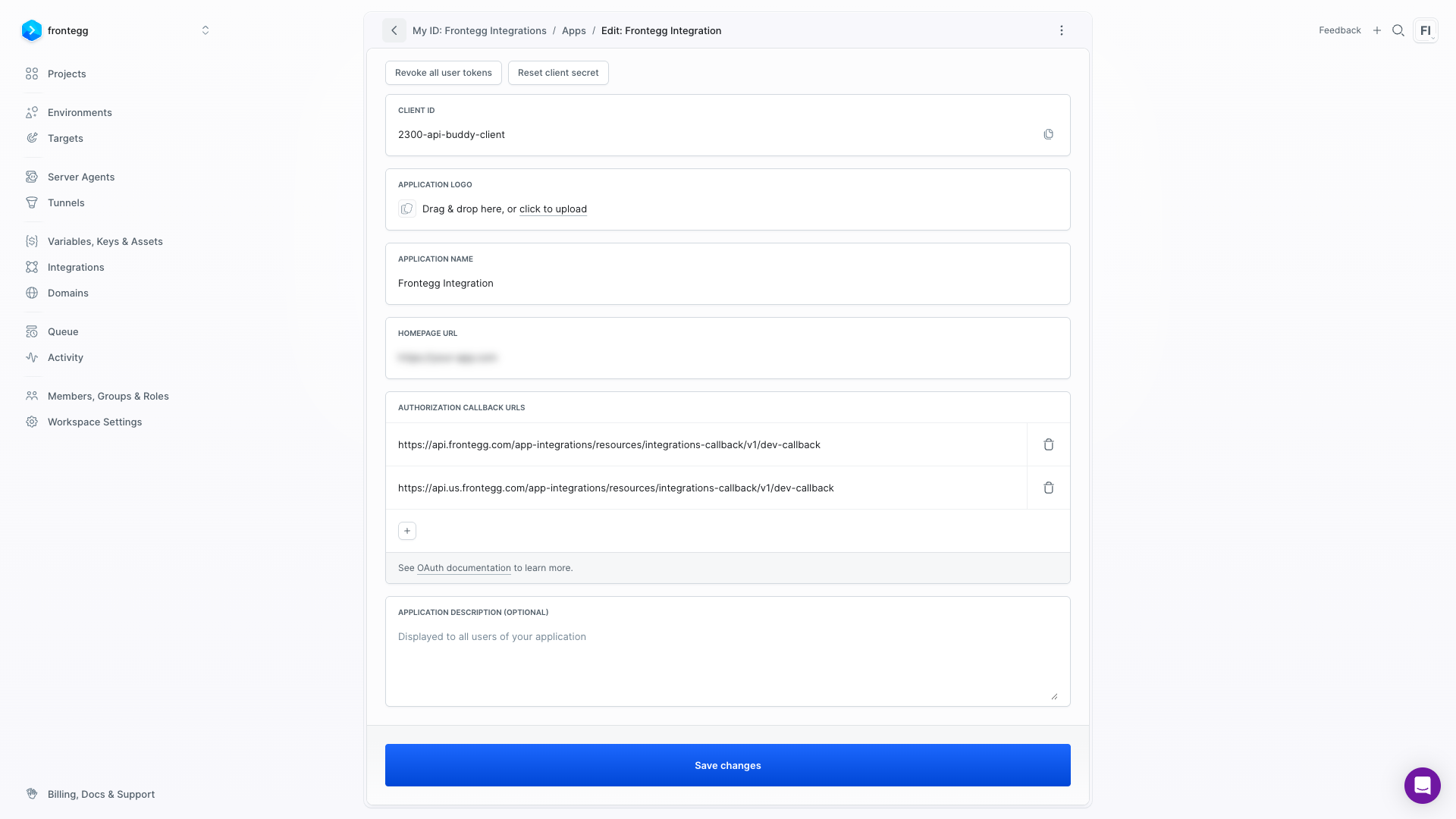
Once you have the Client ID and Client Secret from the steps above, enter them in the integration configuration page of the Frontegg portal:
- Open the Frontegg portal and navigate to [ENVIRONMENT] → Integrations → Buddy.
- Enter the Client ID and Client Secret in the corresponding fields.
- Select the required scopes:
| Scope | Description |
|---|---|
WORKSPACE | Access to workspace information, members, groups, and permissions |
USER_INFO | Access to user profile information |
EXECUTION_RUN | Permission to run and stop pipeline executions |
EXECUTION_INFO | Access to execution history |
VARIABLE_INFO | Access to pipeline variables |
INTEGRATION_INFO | Access to workspace integrations |
TOKEN_INFO | Access to token information |
- Click Save.
Keep your credentials secure
Keep your credentials secure
Never share or commit your Client Secret to version control.