Vercel is a cloud platform for frontend developers that enables deploying, scaling, and managing web applications. Integrating Vercel with Frontegg allows your application to access deployments, projects, domains, and environment variables on behalf of your users using a Vercel API access token.
Prerequisites
Prerequisites
- A Vercel account
- Access to your Vercel account settings
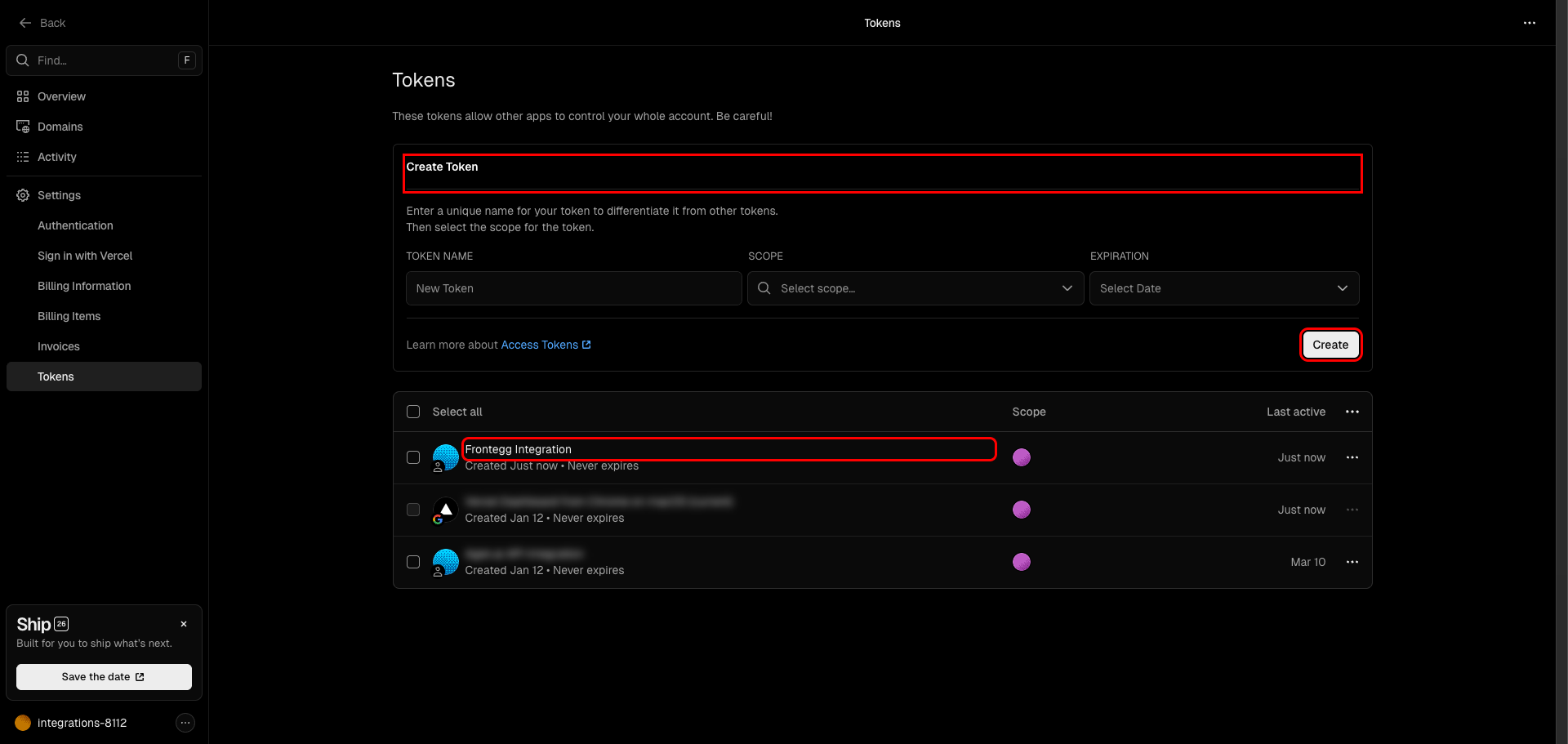
Log in to Vercel and click your avatar or team name in the top navigation. In the left sidebar, click Settings to open the account settings page. Then click Tokens in the sidebar.
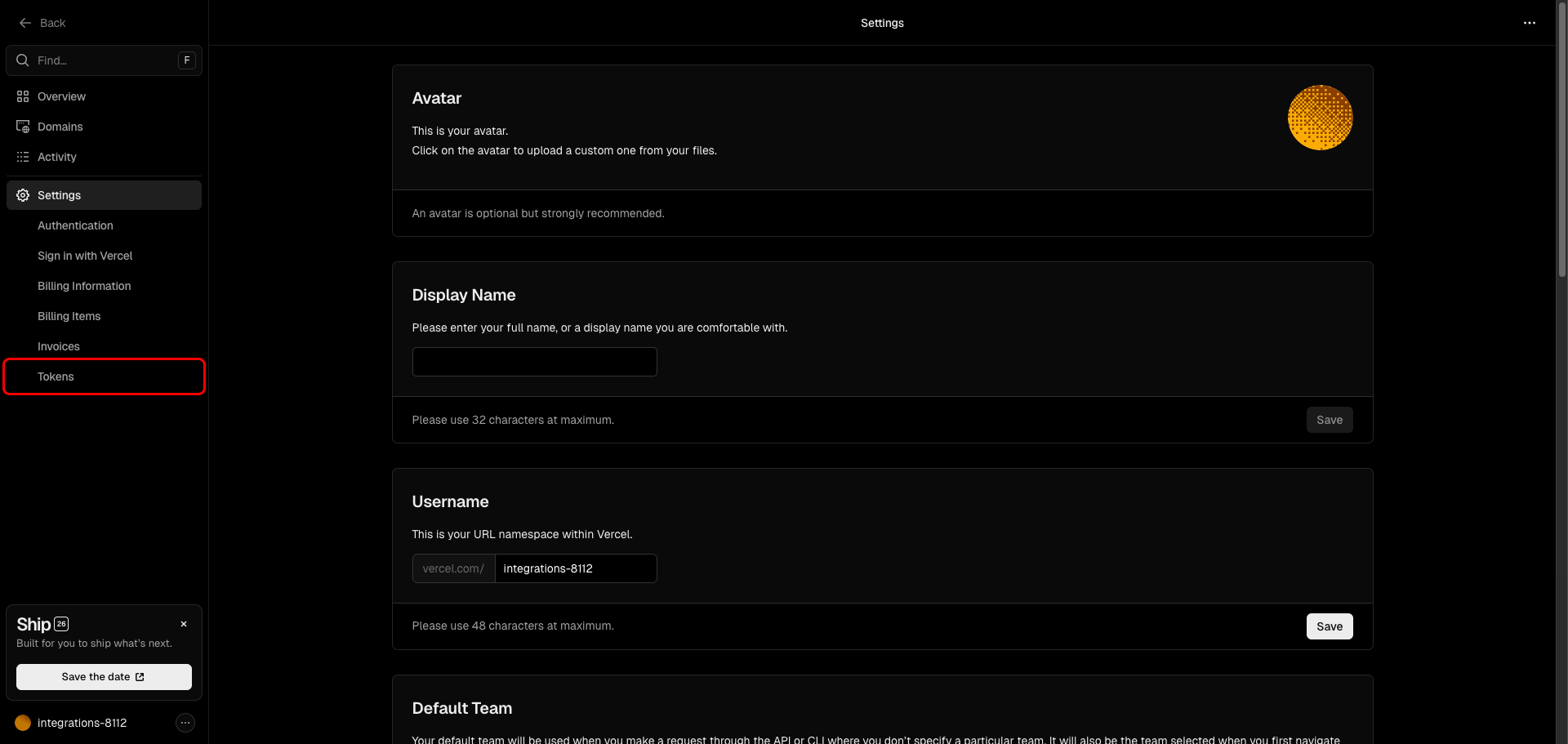
On the Tokens page you can create and manage API access tokens for your account. The Create Token form is at the top of the page.
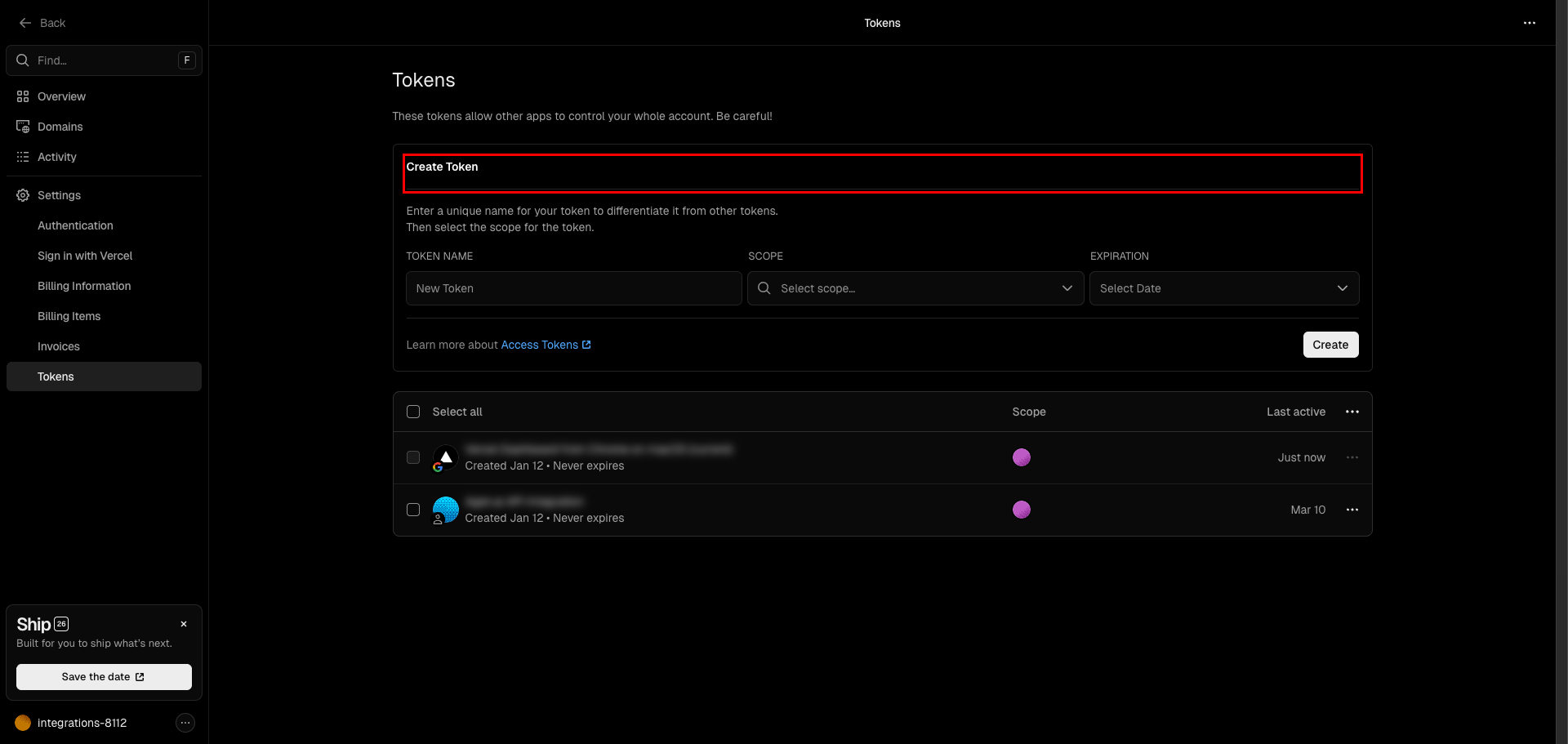
Fill in the Create Token form:
- Token Name — Enter a descriptive name (e.g.,
Frontegg Integration) - Scope — Select Full Account to grant access across all your projects and resources
- Expiration — Select an expiration period or choose No Expiration
Click Create to generate the token.
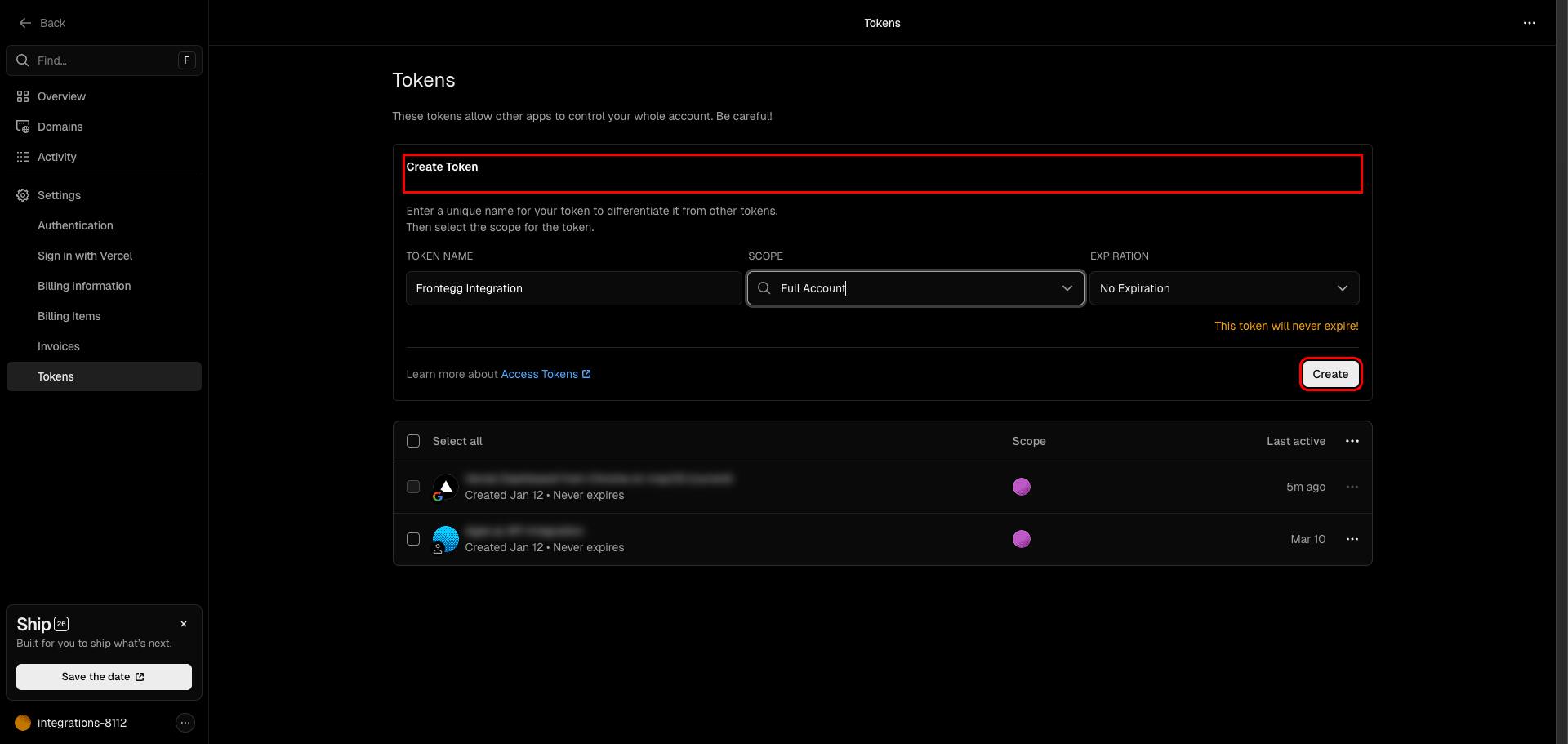
After clicking Create, a dialog appears showing your new token. Copy the token value and store it in a safe place.
Copy your token now
Copy your token now
This is the only time Vercel will display the token value. If you lose it, you will need to delete the token and create a new one.
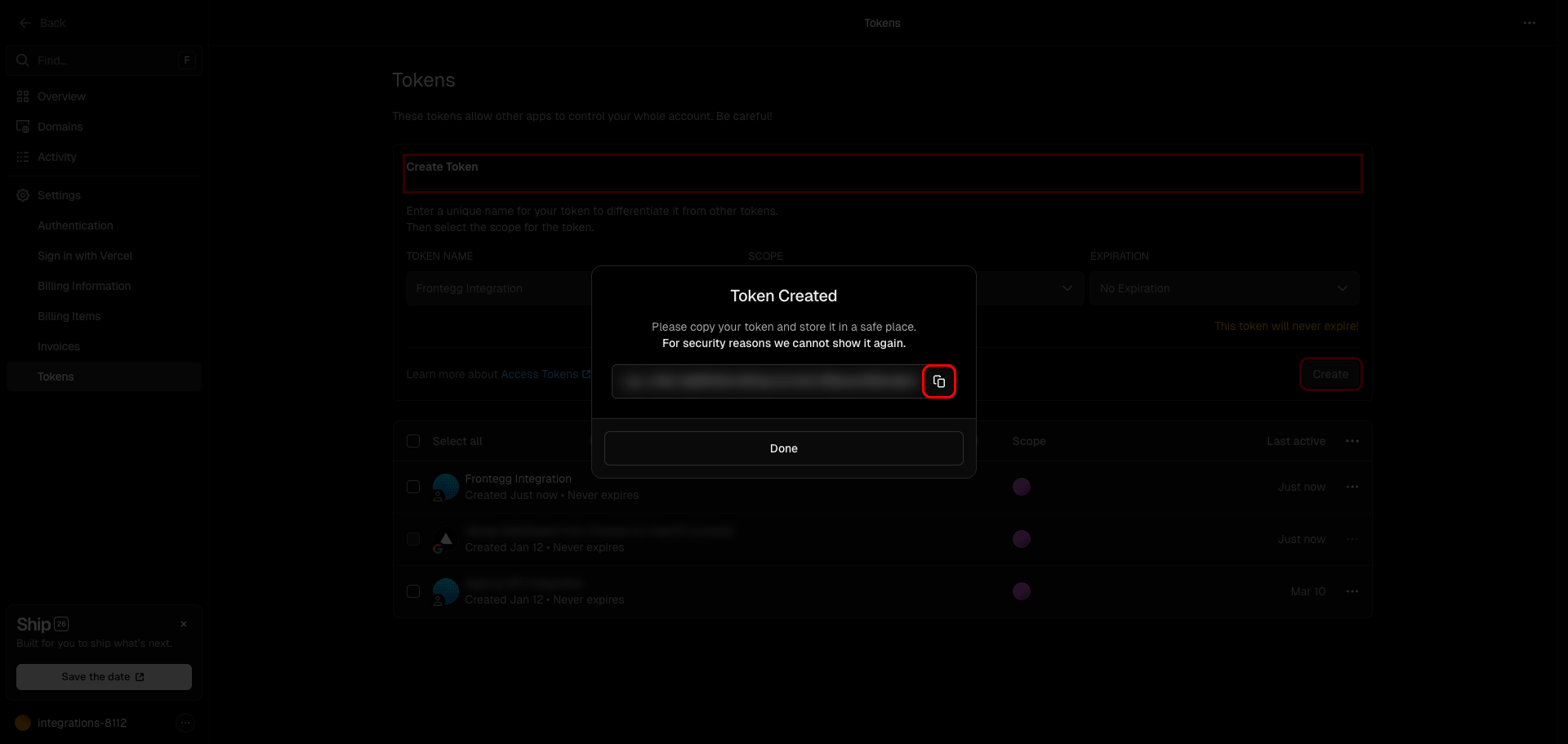
Click Done to close the dialog. Your new token appears in the token list.
Once you have obtained your Vercel API token from the steps above, enter it in the integration configuration page of the Frontegg portal:
- Open the Frontegg portal and navigate to [ENVIRONMENT] → Integrations → Vercel.
- Enter the API token in the Token field.
- Click Save.
Keep your token secure
Keep your token secure
Never share or commit your API token to version control.