Trello is a visual project management tool that organizes work into boards, lists, and cards. The Trello integration with Frontegg allows your application to access and manage Trello boards, lists, cards, labels, and checklists on behalf of your users.
Prerequisites
Prerequisites
- A Trello account (free or paid)
- Access to create Power-Ups in the Trello developer portal
Sign in to Trello and navigate to the Power-Up admin portal. This page lists all your existing apps and provides a New button to create a new one.
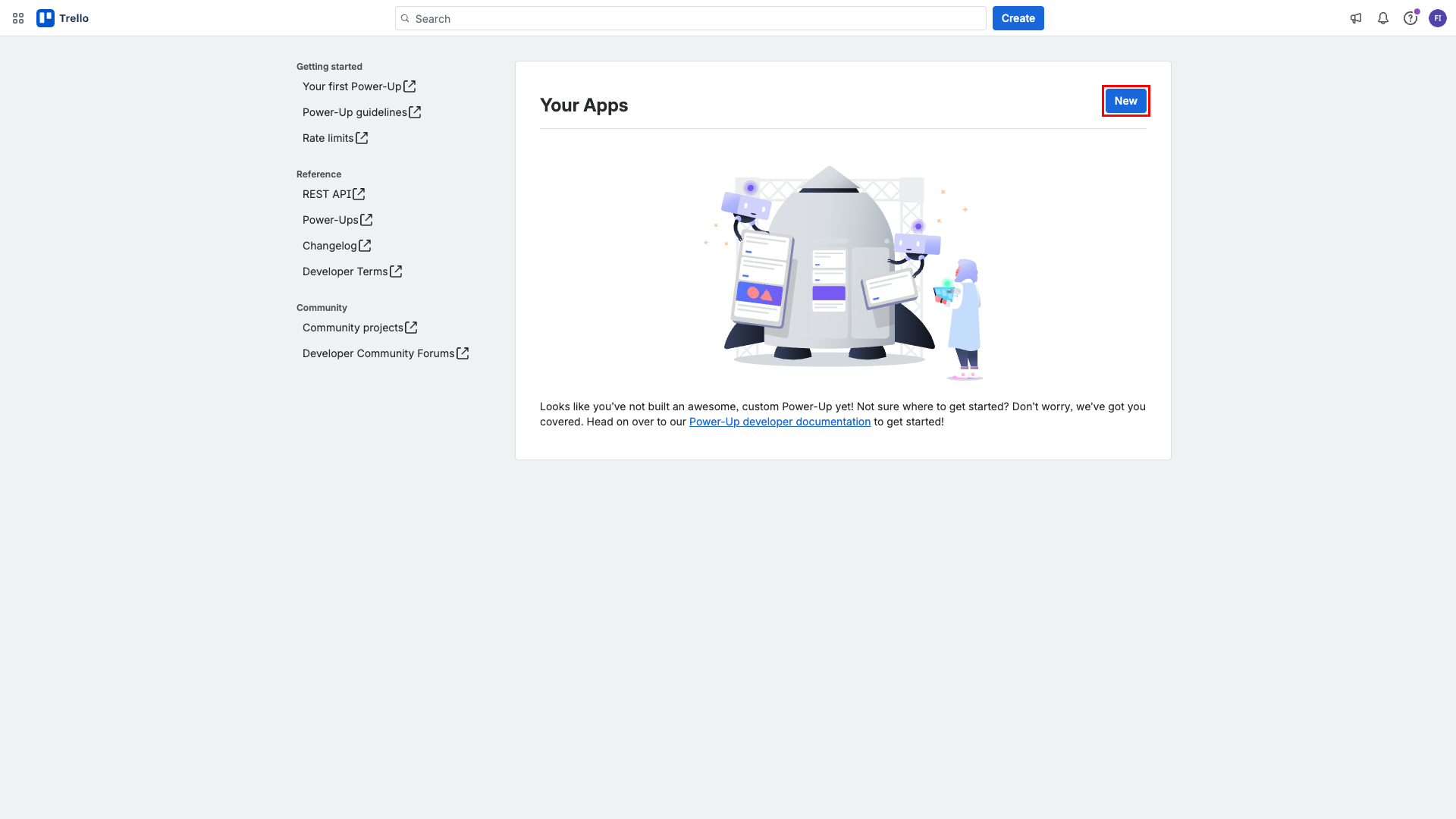
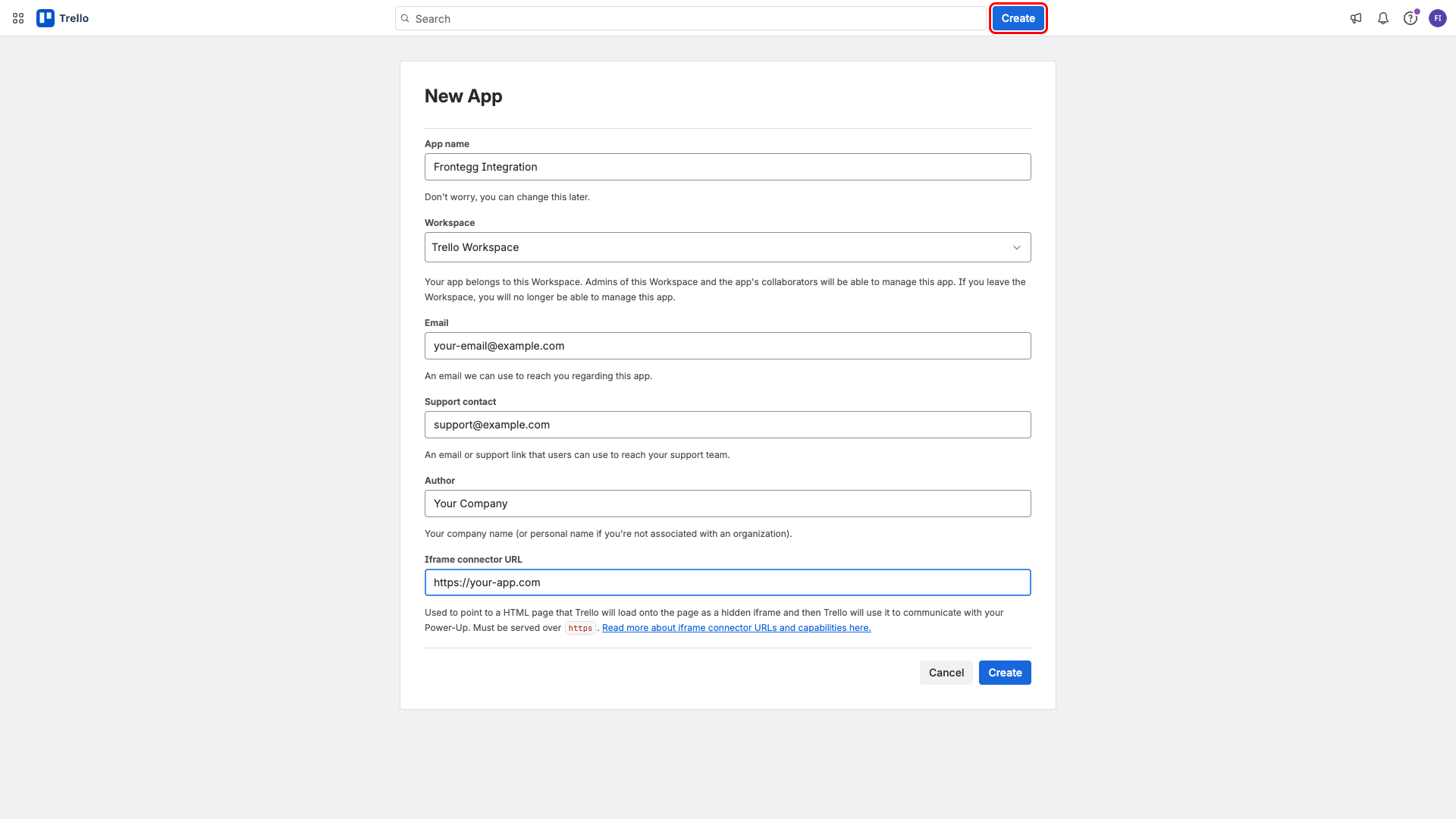
Click New. Fill in the following details in the New App form:
- App name:
Frontegg Integration - Workspace: Select your Trello workspace
- Email: Your contact email
- Support contact: Your support email
- Author: Your company name
- Iframe connector URL: Your application URL (e.g.,
https://your-app.com)
Click Create.
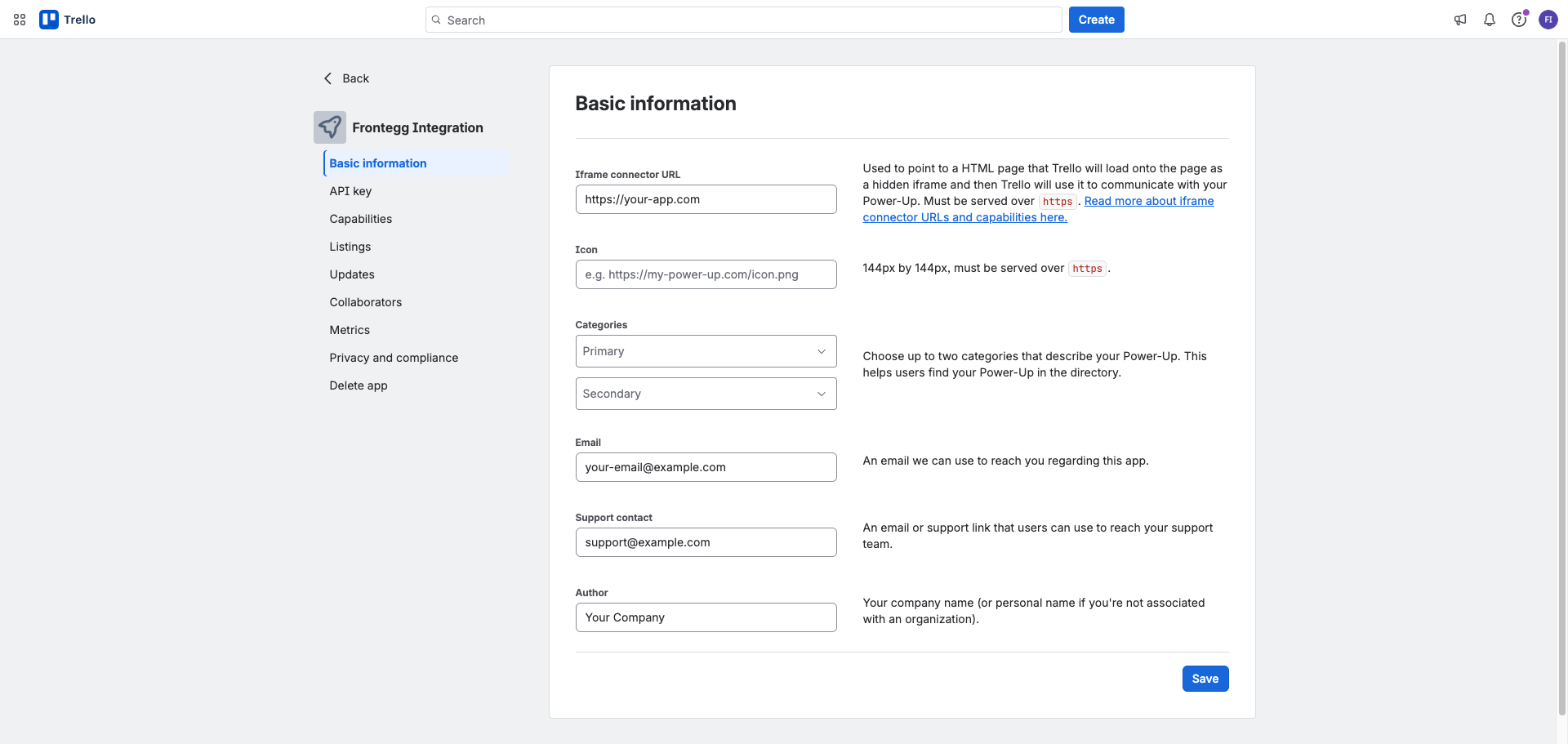
After creation, you are redirected to the app settings page with tabs for Basic information, API key, Capabilities, and more.
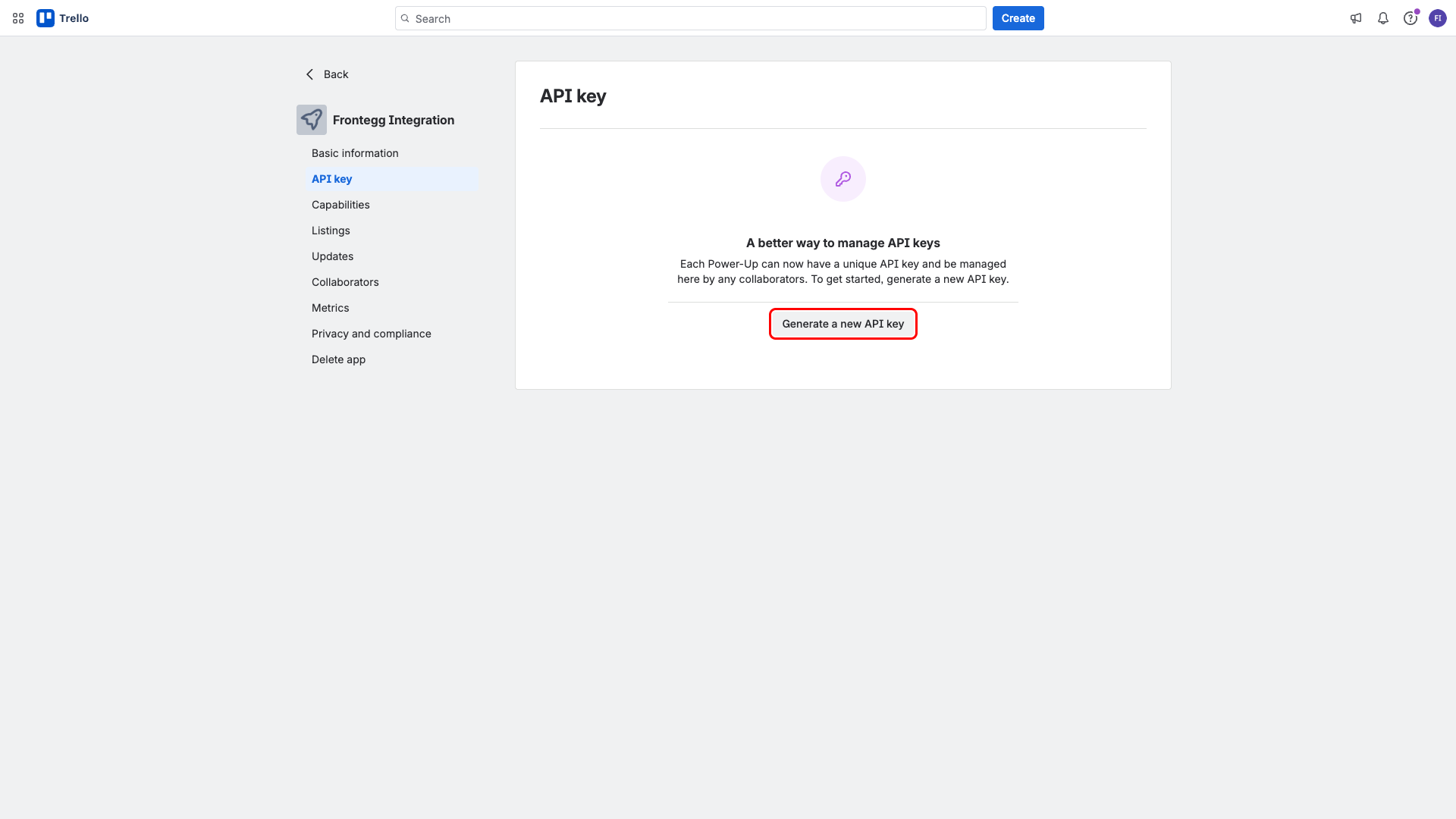
Click the API key tab in the left sidebar. Then click Generate a new API key and confirm in the dialog that appears.
After generation, the page displays your API key and Secret. Copy both values and store them securely — the API key maps to the Client ID field in the Frontegg portal, and the Secret maps to the Client Secret field.
Save your Secret
Save your Secret
Keep your API Secret safe. Trello does not offer a way to reset the API key for client-side applications.
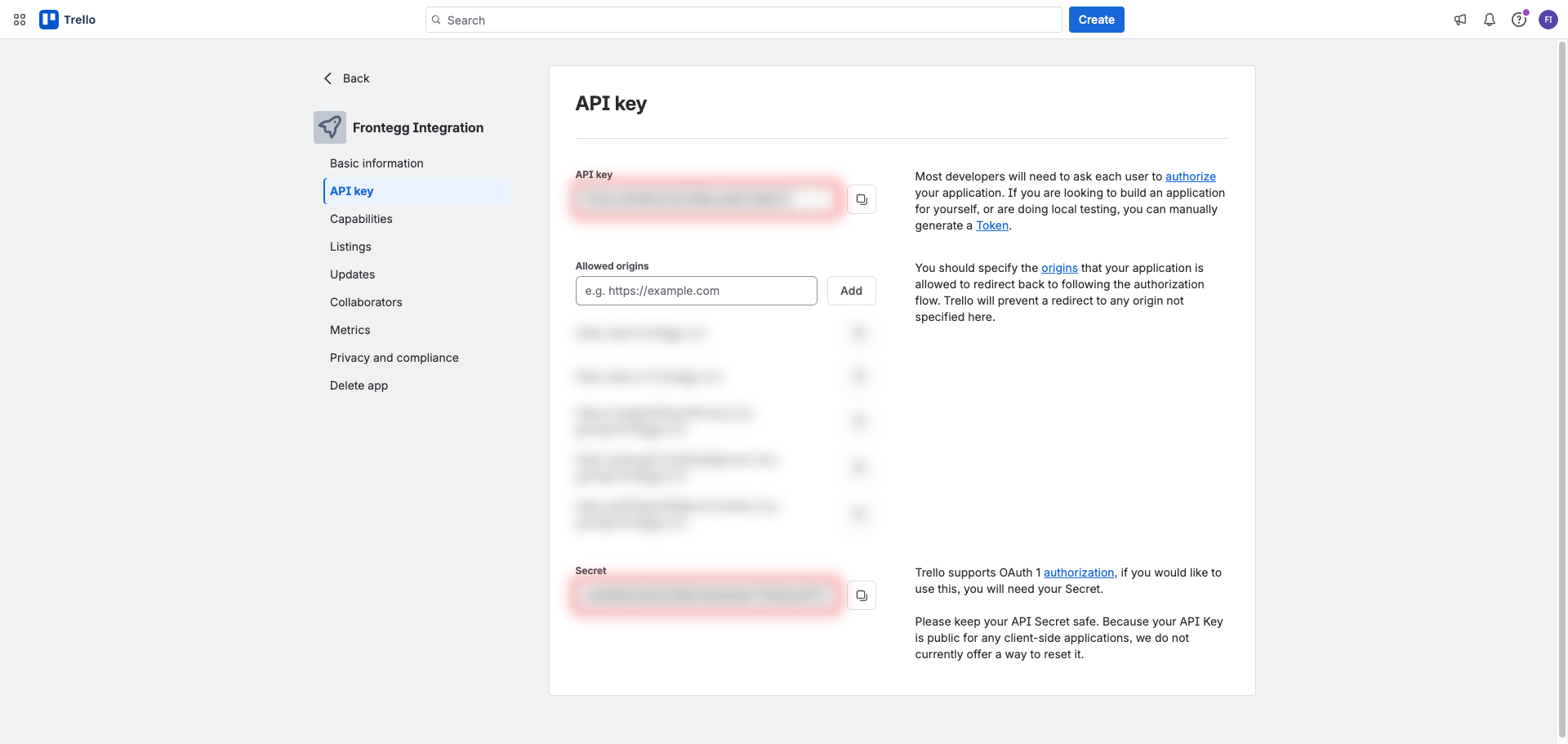
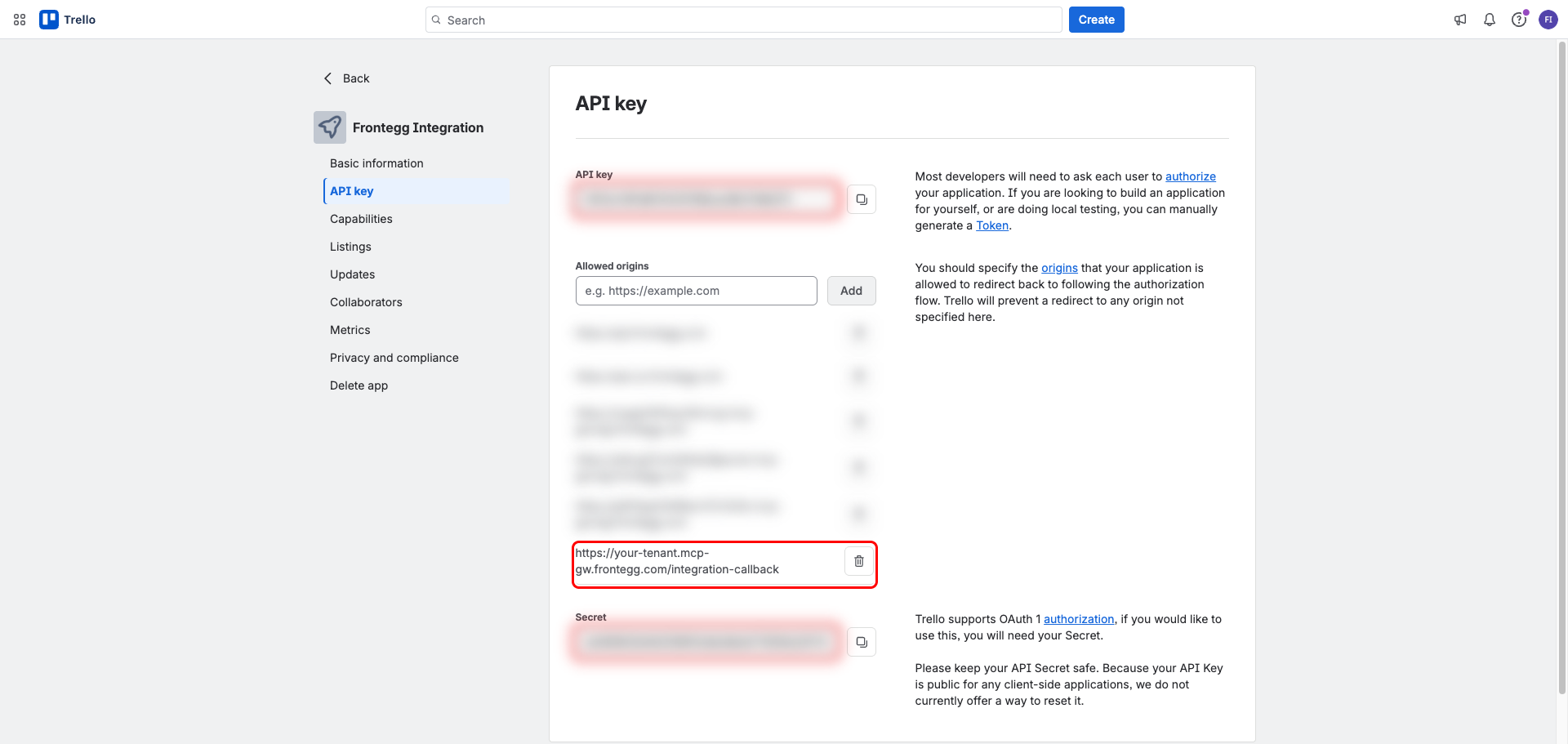
In the Allowed origins section on the same page, paste your Frontegg Redirect URL into the input and click Add:
https://YOUR_MCP_GATEWAY_URL/integration-callbackTrello rejects redirects to any origin not listed here, so this entry must be present before users can authorize the integration.
About scopes
About scopes
Trello permissions (read, write, account) are requested by Frontegg in the authorization URL — there is no scope selection screen in the Power-Up admin. The integration authorizes with all three scopes and tokens are non-expiring.
Once you have your API key and Secret, enter them in the Frontegg portal:
- Open the Frontegg portal and navigate to [ENVIRONMENT] → Integrations → Trello.
- Enter the API key as the Client ID and the Secret as the Client Secret in the corresponding fields.
- Click Save.
Keep your credentials secure
Keep your credentials secure
Never share or commit your Secret to version control.