ActiveCampaign is a marketing automation and CRM platform for email campaigns, automations, contact management, and sales pipelines. Integrating ActiveCampaign with Frontegg lets your application read and manage contacts, lists, campaigns, automations, deals, and tags on behalf of a connected ActiveCampaign account through the ActiveCampaign API v3. Authentication is API key, sent on every request as the Api-Token header.
Prerequisites
Prerequisites
- An ActiveCampaign account with access to the account's Settings → Developer page (account admins).
Sign in to your ActiveCampaign account at https://<your-account>.activehosted.com, then open Settings (the gear icon) and select Developer from the settings menu. This page hosts the API Access section, which contains both values the integration needs: your API URL and your API key.
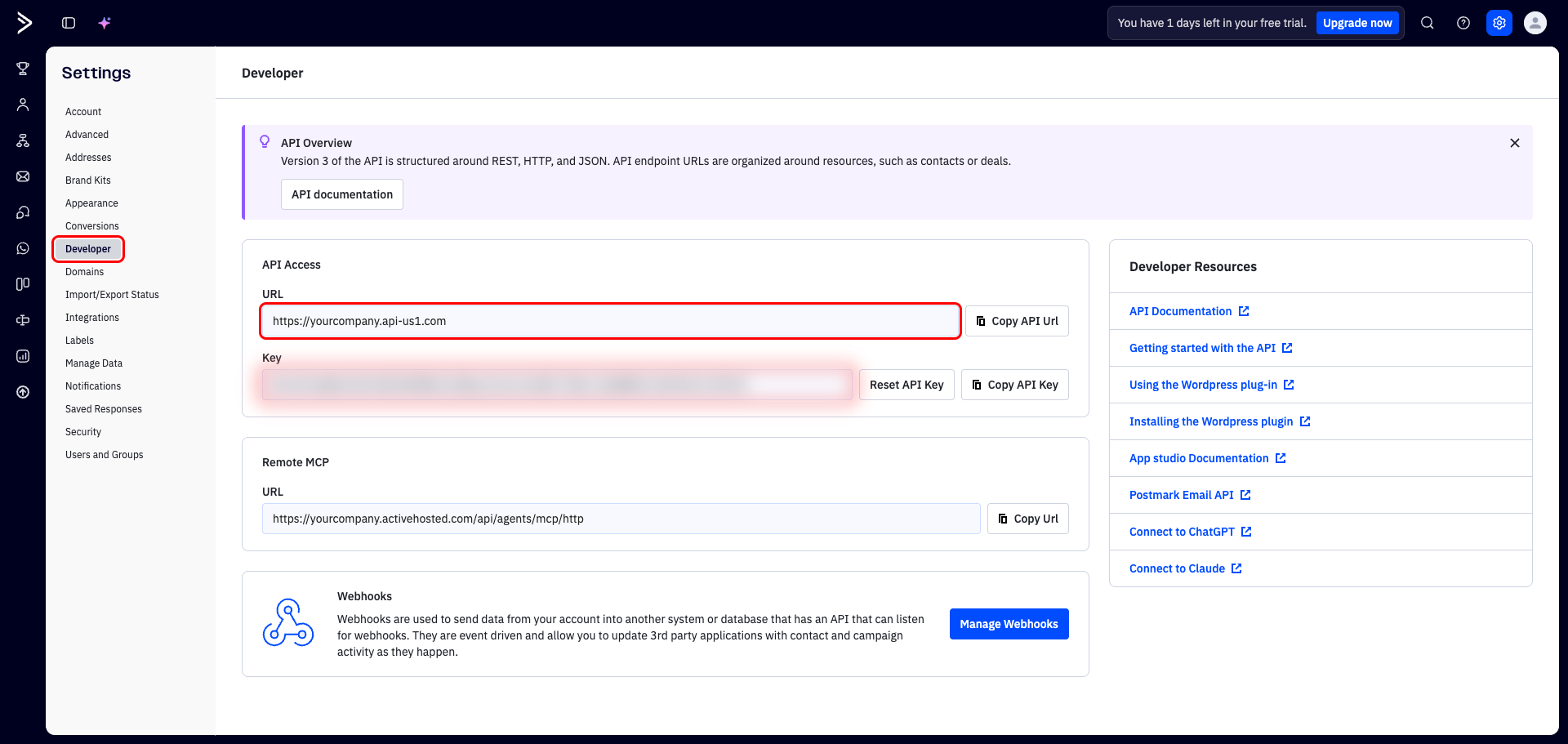
In the API Access section, locate the URL and Key fields:
- URL — has the form
https://<accountName>.<region>.com(for example,https://yourcompany.api-us1.com). The first part is your account name (the subdomain, e.g.yourcompany) and the second part is your region (e.g.api-us1). Note both — you will enter them in the Frontegg portal. - Key — your API key, sent as the
Api-Tokenheader. Use the Copy API Key button to copy it.
Keep your API key secret
Keep your API key secret
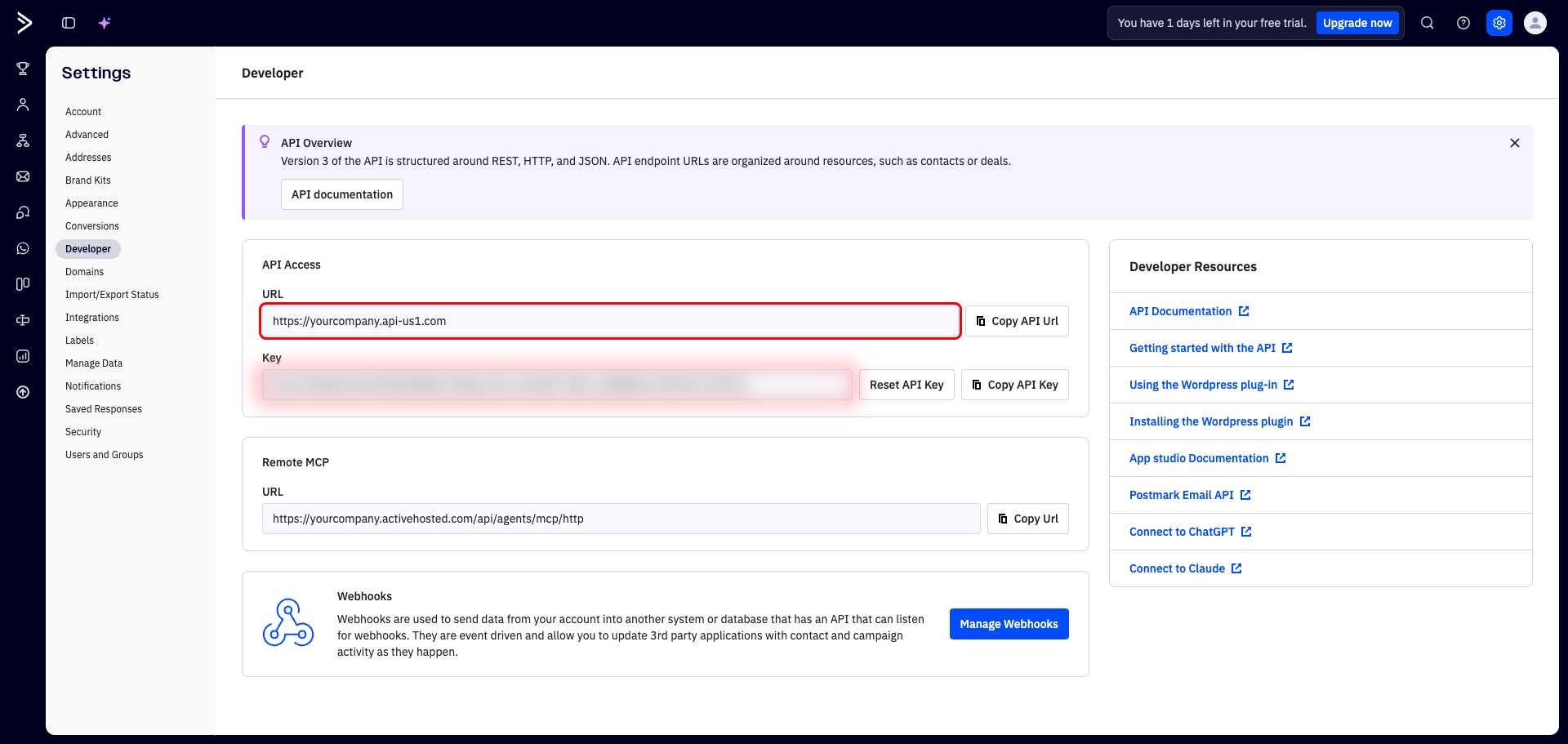
Treat the API key like a password. Anyone with the key has full access to your account data. If it is ever exposed, use Reset API Key on the Developer page to revoke the old key and issue a new one. Never commit the key to version control or expose it in client-side code.
Once you have your API key, account name, and region, enter them in the Frontegg portal:
- Open the Frontegg portal and navigate to [Environment] → Integrations → ActiveCampaign.
- Paste the API key into the API Key field.
- Enter your ActiveCampaign account name — the subdomain from your API URL (for example,
yourcompany). - (Optional) Set the Region field. It defaults to
api-us1— set it only if your API URL ends in a different region (for example,api-us2orapi-eu1). - Click Save.
Frontegg builds every API request as https://<accountName>.<region>.com/api/3 and sends your key in the Api-Token header.