Configure additional social login providers for your login box via OAuth.
Feature support
Feature support
Custom social login is currently available via API.
Frontegg supports login box authentication via multiple Social Login Providers. For added flexibility, you can configure any custom social login provider via OAuth. This feature enables you to fully customize the social login experience beyond the built-in providers.
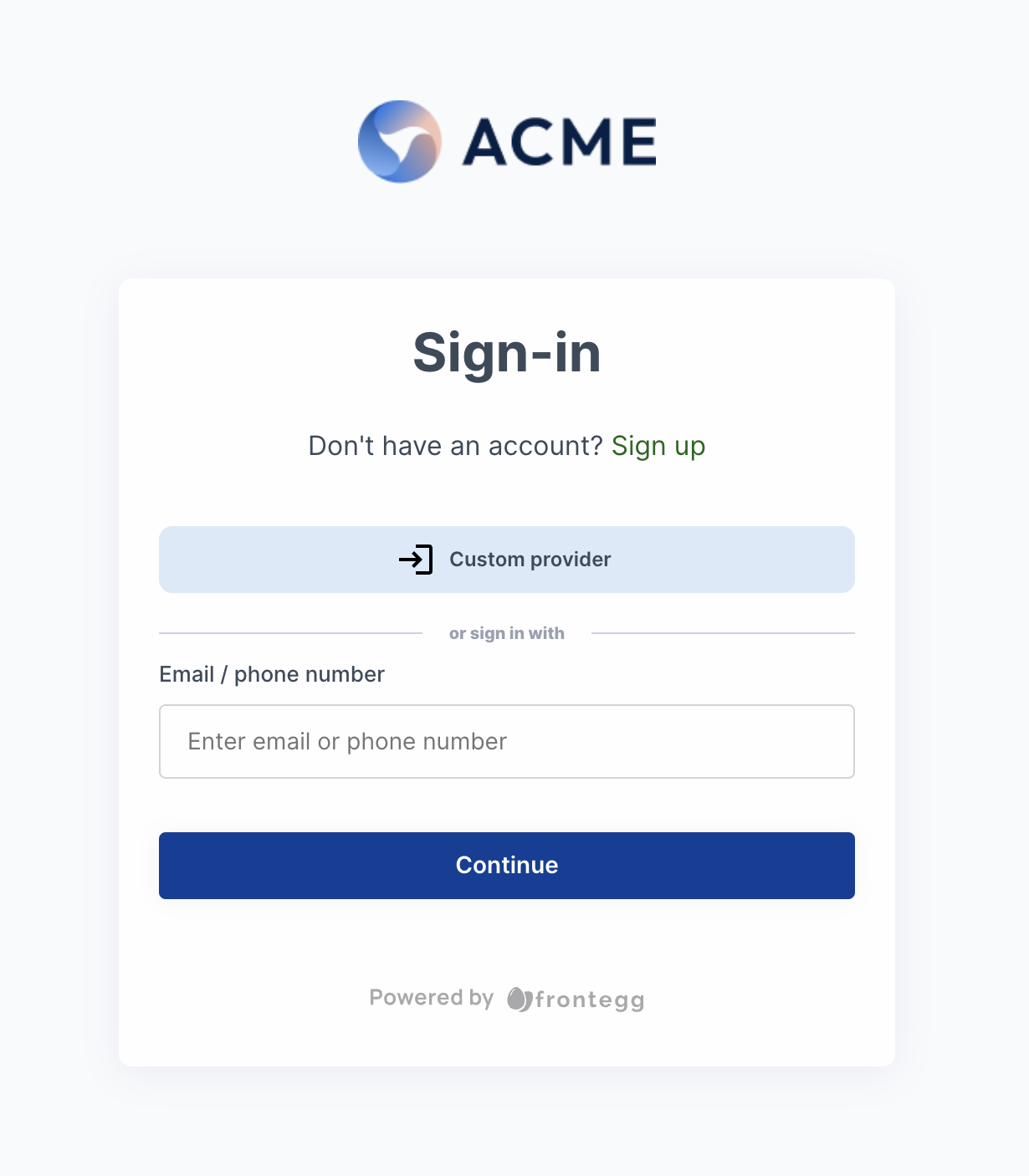
Follow these steps to set up a custom social login provider.
To configure a custom social provider, first authenticate your environment.
- Navigate to [ENVIRONMENT] → Settings → General Settings to retrieve your environment’s credentials.
- Ensure these credentials are available to complete the OAuth setup.
To integrate your chosen social provider:
- Visit the provider’s documentation to locate the necessary authorization endpoints.
- Use the following
POSTrequest template to configure the provider, adding your provider’s token.
curl --location --request POST 'https://api.frontegg.com/frontegg/identity/resources/sso/custom/v1' \
--header 'Authorization: Bearer [token-from-environment-authentication]' \
--header 'Content-Type: application/json' \
--data-raw '{
            "type": "custom",
            "clientId": "xxxxxxx",
            "secret": "xxxxxxx",
            "authorizationUrl": "xxxxxxx",
            "userInfoUrl": "xxxxxxx",
            "scopes": "openid email profile",
            "displayName": "custom",
            "active": true,
            "redirectUrl": "https://[your-frontegg-subdomain].frontegg.com/oauth/account/social/success",
            "redirectUrlPattern": "https://[your-frontegg-subdomain].frontegg.com/oauth/account/social/success",
            "tokenUrl": "xxxxxxx",
            "ssoLogoUrl": "your-provider-logo-url"
}'Configure your redirect URLs based on your login method:
- Hosted Login: Set
redirectUrlandredirectUrlPatternto:
https://[your-frontegg-domain].frontegg.com/oauth/account/social/success. - Embedded Login: Set
redirectUrlandredirectUrlPatternto:
[your-application-url]/account/social/success(e.g.,http://localhost:3000/account/social/success).
Redirect URLs
Redirect URLs
Ensure you add the configured redirect URL to the list of authorized callback URLs within your Identity Provider (IDP) settings.
To update your OAuth provider’s configuration, submit a PATCH request. Only the secret key is mandatory.
curl --location --request PATCH 'https://api.frontegg.com/frontegg/identity/resources/sso/custom/v1/:{id}' \
--header 'Authorization: Bearer [token-from-environment-authentication]' \
--header 'Content-Type: application/json' \
--data-raw '{
            "secret": "xxxxxxx"
}'To remove a custom OAuth provider, use the following DELETE request:
curl --location --request DELETE 'https://api.frontegg.com/frontegg/identity/resources/sso/custom/v1/:{id}' \
--header 'Authorization: Bearer [token-from-environment-authentication]' \
--header 'Content-Type: application/json'