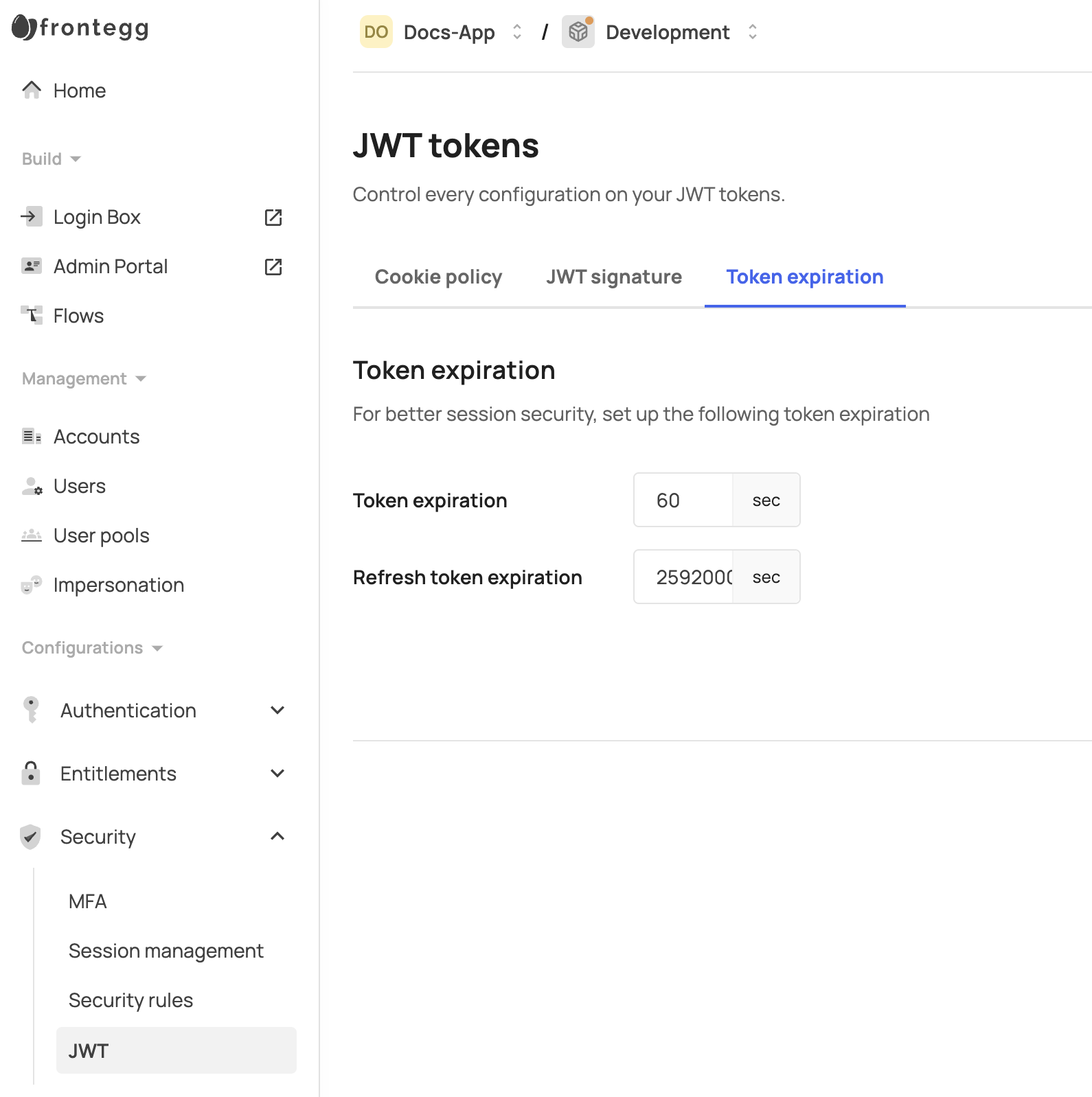
Frontegg relies on a user's access token (JWT) containing details such as the user, session ID, and application ID, along with a refresh token and cookie to renew the JWT. Since JWTs are typically invalidated only upon expiration, it is recommended to configure the JWT expiration to a maximum of a few minutes in the JWT section of your environment for enhanced security.
Token types
Token types
Note that these settings control the expiration of all JWTs, including those that are created for client credentials tokens.
When using Frontegg's client-side (web) SDKs with short-lived JWTs, enable the keepSessionAlive:true flag to refresh the user's access token (JWT) in the background, this will prevent automatic logout when the user's JWT expires. This flag will automatically calculate 80% from the JWT expiration and will refresh it, using the refresh token or cookie.
Keep in mind that a user's JWT claims contain their permissions, accounts, and metadata, but it is also included in request headers, which are often limited to 8K or, in some cases, 16K characters. Adding excessive permissions or large metadata objects may impact authentication and lead to failures. To mitigate this, consider removing roles or permissions from JWTs when necessary. This can be done via this API.
Additional claims, may be added via JWT generation prehook and propagated into the JWT as custom claims.
As noted above, the Token expiration setting controls the expiration time for all tokens, including JWTs generated for personal or API tokens (client credentials). If different expiration times are needed for specific token types—such as user tokens and client credentials tokens—the expiresIn attribute can be used to specify these durations, as returned in the JWT generation prehook.
By default, Frontegg rotates refresh tokens: each successful refresh issues a new refresh token and retires the one that was used.
To keep retries from logging users out, a refresh token that was just used stays replayable for a short grace window of about 30 seconds, where the grace window is enabled. If the same token is presented again within that window, for example when a network retry follows a dropped response or when two browser tabs refresh at the same moment, Frontegg returns a new access token together with the same new refresh token that the first request produced, instead of failing. After the grace window ends, the used token is no longer accepted and the refresh request fails with a 401 response (Refresh token is not found), so always store and send the latest refresh token you received.
The grace window applies to refresh requests for user sessions. It does not apply to client credentials (M2M) refresh tokens, which have their own rotation limit.
However, certain flows or implementations may require disabling token rotation to allow reusing the same refresh token multiple times. This can be achieved, by passing rotateRefreshTokens:false to this API.