This guide outlines the steps to create and configure a custom SAML application.
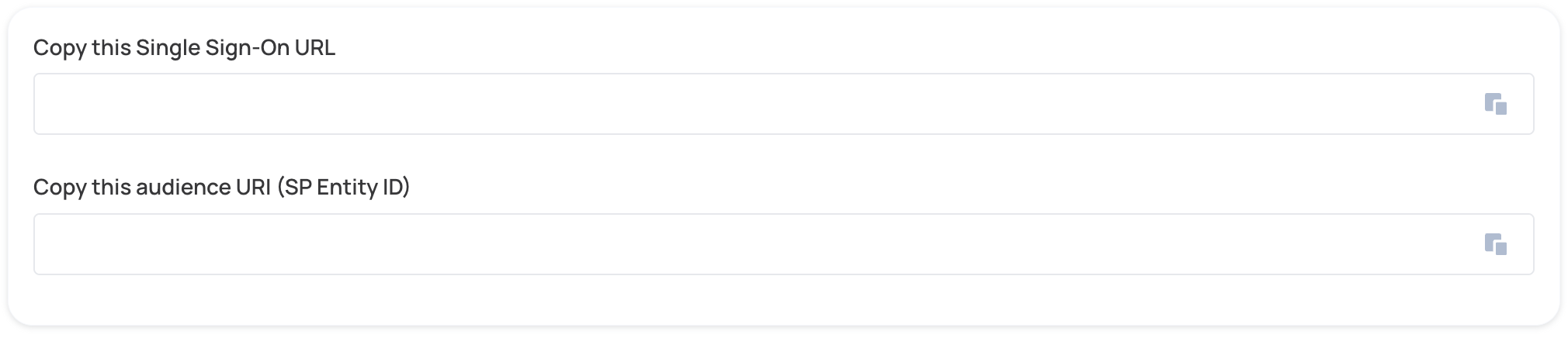
- Copy the values from the form below into your IdP. For more detailed instructions, refer to the documentation provided by your Identity Provider.
- Locate the Metadata URL of the SAML application and paste it under the IdP Metadata URL.

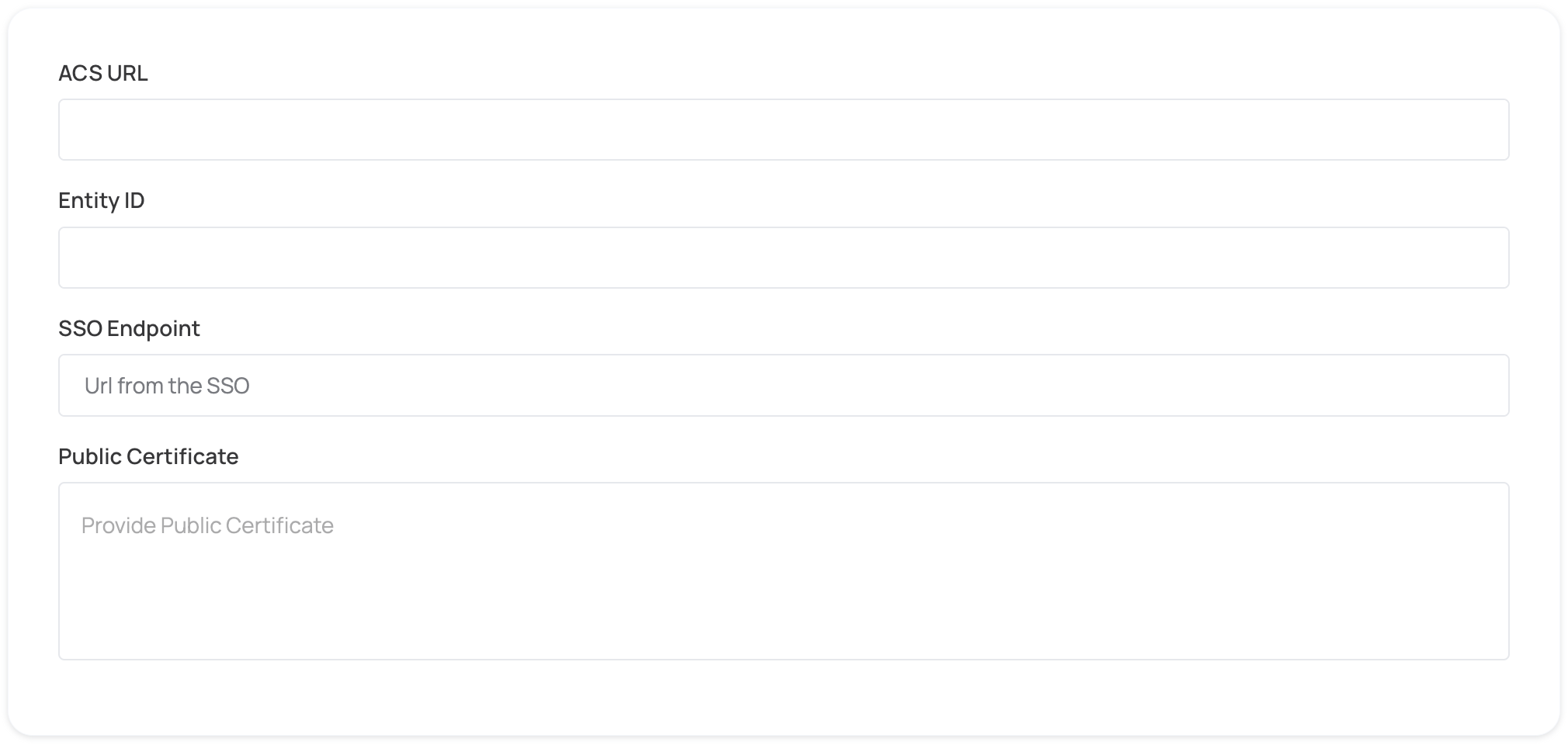
- Fill the form below for manual SAML configuration. For more detailed instructions, refer to the documentation provided by your Identity Provider.
- Click on Proceed with domain claiming and role assignment to confirm the completion the configuration of the IDP form.
- Follow the instructions in the Self-service SAML configuration guide to complete this step and manage authorization.