The risk of login attempts from suspicious IP addresses represents a significant security concern for any app. These attempts often indicate malicious intent, such as unauthorized access attempts or brute force attacks, where attackers try to gain entry by repeatedly guessing usernames and passwords. Such activities can potentially lead to data breaches, unauthorized access to user accounts, and the compromise of sensitive information. To mitigate this risk, robust security measures such as IP blocking, multi-factor authentication, and monitoring for unusual login patterns are essential. Vigilance and proactive security measures are crucial in safeguarding user data and maintaining the overall integrity of the app.
Prerequisites
Prerequisites
There are no prerequisites for detecting suspicious IPs.
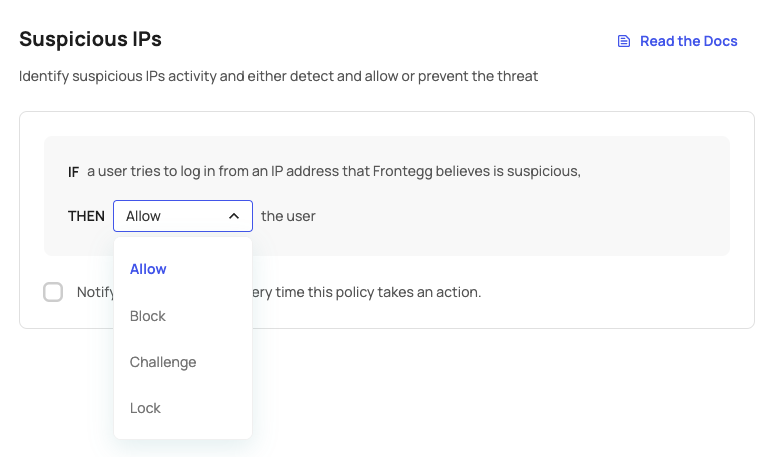
You can choose from the following actions when a suspicious IP is detected:
- Allow - Let the user continue to the app.
- Challenge - Challenge the user with MFA. If they pass, they can continue to the app.
- Block - Block their login.
- Lock - Lock the user.
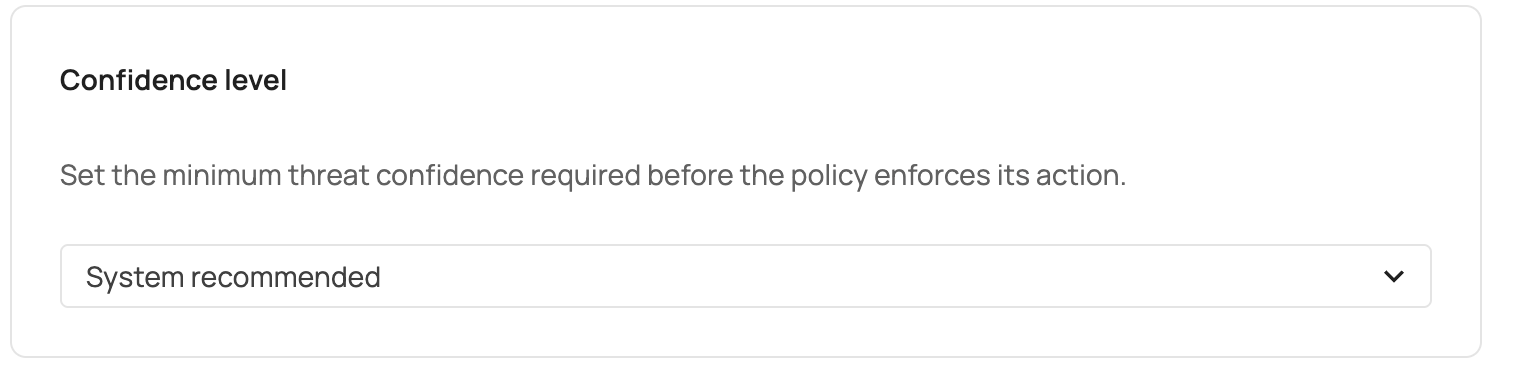
Each IP-reputation signal carries a confidence level — how certain the underlying threat-intelligence vendor is that the IP is malicious. The confidenceLevel field on the suspicious-IP policy controls the minimum confidence at which the configured action (Allow / Challenge / Block / Lock) is enforced. Lower-confidence detections are still recorded as security events but do not trigger the action.
| Value | Behavior |
|---|---|
system_recommended | Default. Uses Frontegg's recommended threshold and tracks future tuning automatically. |
high | Enforces only on high-confidence threats. Fewest false positives; may miss medium-confidence attackers. |
medium | Enforces on medium and high-confidence threats. Balanced sensitivity. |
low | Enforces on any signal, including low-confidence threats. Highest catch rate; more false positives. |
Choosing a value
Choosing a value
Leave confidenceLevel on system_recommended unless you have a specific reason to deviate. Set it to high if you have observed false positives that disrupt legitimate users, or to low if your environment requires the most aggressive enforcement.
- Allow - The user is allowed to continue to the app.
- Challenge - The user will get an MFA challenge. If they pass, they continue to the app. If they fail, their login gets blocked.
- Block - The user will receive a failed login message.
- Lock - The user's account will be locked.
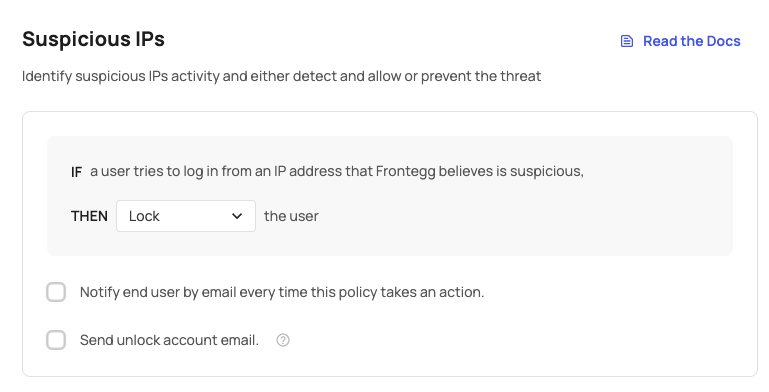
When users are locked out due to suspicious IP activity, you can enable the Send unlock account email option to allow them to unlock their account via email.
Version prerequisites
Version prerequisites
To enable this feature, ensure you are using the following versions:
@frontegg/react@7.0.1
@frontegg/angular@7.1.0
@frontegg/vue@4.0.1
@frontegg/nextjs@9.0.1
If you enable the Send unlock account email option, users will receive an email allowing them to regain access to their accounts.
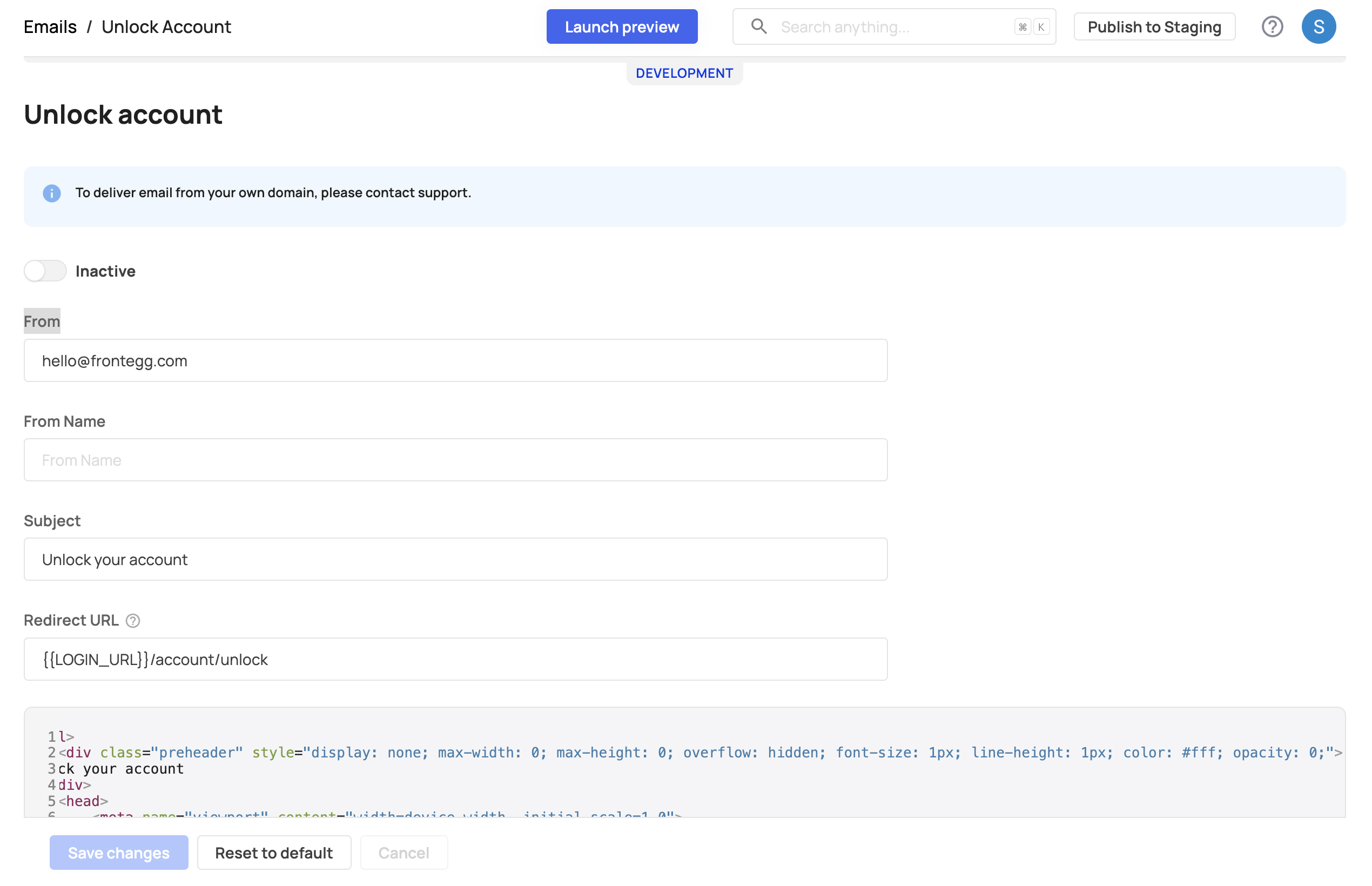
Unlock account and unlock account success email templates
Unlock account and unlock account success email templates
Once you enable the Send unlock account email toggle, ensure that the Unlock account email template is enabled. Go to [ENVIRONMENT] → Configurations → Authentication → Emails to activate it. Additionally, you can enable the Unlock account success email to notify users once their account has been successfully unlocked.
You can add rule overrides to force Allow, Challenge, Block, or Lock for specific users, tenants, or IP addresses when suspicious IP activity is detected — without changing the global rule action. Suspicious IP is the only supported rule that can target IP address conditions (CIDR match).
If you’re curious how many times suspicious IP login events happen in your app, you can view them over time in Security Events to see when and where they occurred.
Coming soon!